
AI Assistant for WhatsApp: A Day With Aivi in Your Chats
The hard part of WhatsApp isn't typing. It's the client who writes in Portuguese, the two-minute voice note from your cofounder, the plan buried under fifteen messages in the family group, and the three people you still haven't answered. A WhatsApp AI assistant on your side can carry all of that. Below, a day with Aivi — scenario by scenario, what actually happens on your screen.
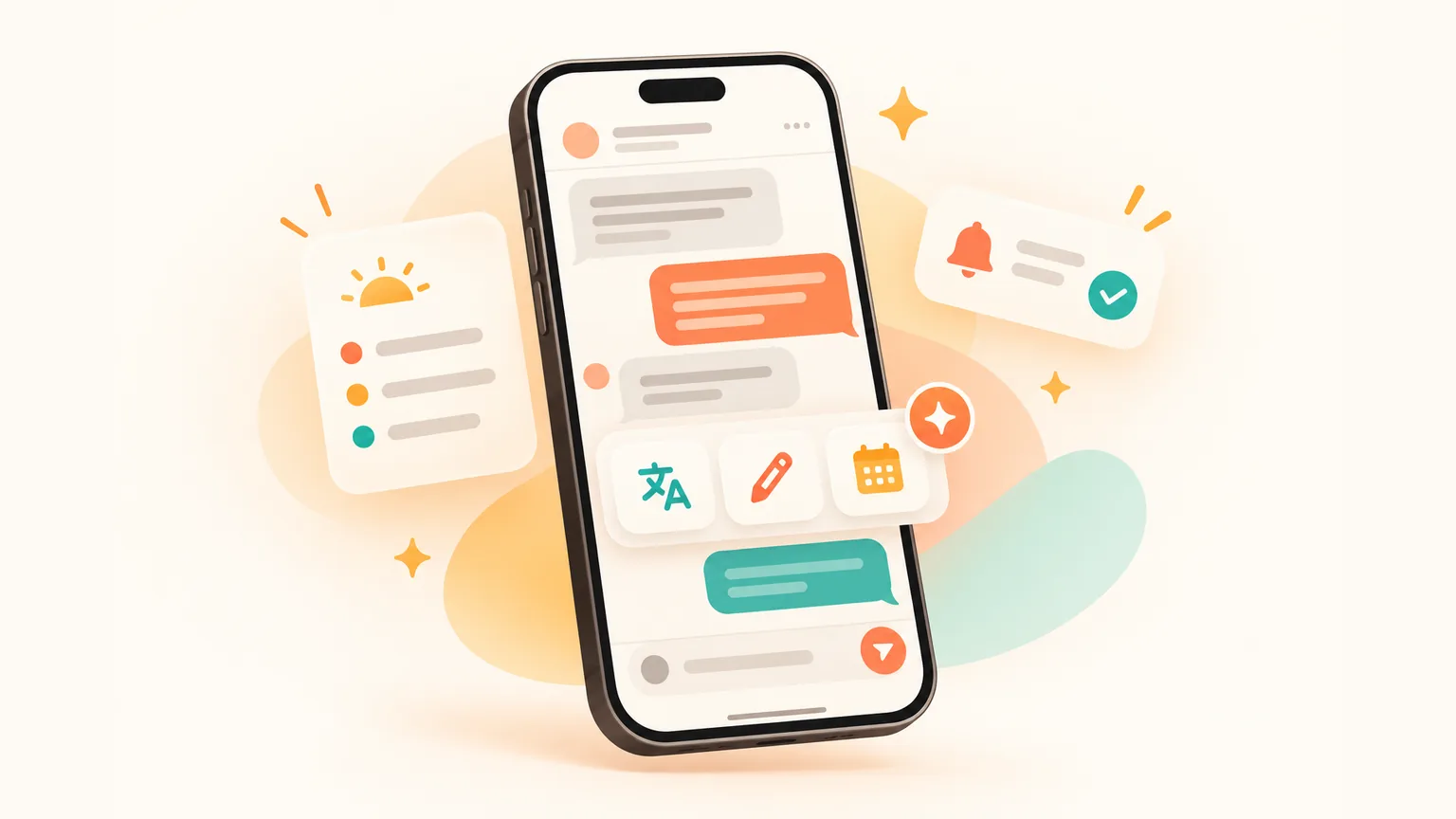
What does an AI assistant for WhatsApp actually do?
- On your side — an AI assistant for WhatsApp like Aivi works on top of your chats, translates both ways, drafts replies in your tone, saves plans to your calendar and nudges you about who's still waiting. You still send every message yourself.
- Inside WhatsApp — Meta AI is a chat with Meta's own AI for questions, Writing Help and, in some countries, unread summaries (as of October 2026). It doesn't speak to your contacts for you.
What does an AI assistant for WhatsApp actually touch in your day?
Short answer: your own chats, both one-to-one and groups, on your side only. The person on the other end sees a normal WhatsApp message from you — nothing extra, no bot, no watermark.
That's the whole shape of Aivi. It isn't a bot inside WhatsApp. It's a separate app on your phone that works on top of your WhatsApp through the same Linked Devices feature WhatsApp Web uses, and it keeps your Telegram in the same list.
Both messengers, one place
WhatsApp and Telegram sit in one list with the same assistant on top. No bot inside the chat with your contact.
Two-way translation
Incoming in your language, your reply in your contact's — set per chat. Voice notes included.
Drafts in your tone
A suggested reply you can edit or send. Nothing goes out without you.
Plans into calendar
A date agreed in a chat becomes an event or a task — one tap on your side.
Who's waiting for you
Aivi tells you who is still waiting for your answer and keeps short notes on the people you talk to.
Your morning brief
Meetings and tasks for the day in one view, before you open a chat.
How does an AI assistant on WhatsApp start your morning?
You open Aivi and see today in one view — your meetings and tasks. No scrolling through fifteen chats to find what matters.
It shows the meetings and tasks you've saved — including the ones Aivi picked up from your chats with one tap — plus your Google Calendar events if it's connected.
A client just wrote in another language — what does the AI assistant do?
You see the message in English the moment it lands. When you reply, you type in English; Aivi sends your words in the client's language. For that chat specifically, you set it once — your reading language on your side, your contact's language going out.
Your client sees a normal WhatsApp message in their language. No sign anything was translated. Set per chat, so the thread with your mum stays in Russian and the one with Jamie stays in English.
What does an AI assistant do with a two-minute voice note?
You see the whole thing as text in your language. Scrubbing through audio to find the one sentence that matters — over.
On the bus, in a meeting, late at night with a baby asleep — voice notes become readable. Tap to see the original text if you want a specific word, or play the voice note as usual.
How does the AI assistant draft a reply that sounds like you?
Ask Aivi for a reply and it suggests a draft in your tone that fits the conversation — not a template. Then you edit or send. Nothing goes out on its own.
That matters when the message is awkward: a polite 'where are we on this?' to a client, a kind no to a request, a thank-you to someone who dropped the ball. The draft gets you past the staring-at-the-keyboard moment.
- Your tone — so the draft sounds like you, not like a bot.
- The chat context — what the conversation is about, not just the last message.
- Who you're writing to — short notes Aivi keeps on the people in your contacts.
A group just agreed to meet — can an AI assistant catch the plan?
Yes. Aivi reads along in groups too — it understands who said what — and when a plan lands, it offers to add the event on your side with one tap. The group itself sees nothing from Aivi.
Same for the family thread: 'Sunday lunch at 2pm' turns into a reminder on your phone. Your sister's phone is untouched.
'I'll send it by Friday' — how does an AI assistant turn that into a reminder?
When you commit to a deadline in a chat — 'I'll send the deck by Friday', 'let's catch up next Tuesday' — Aivi offers to save it as a task with a due date and a reminder.
You can also ask in plain English: 'remind me tomorrow at 9 to call Anna.' Aivi saves it and reminds you at 9.
Who else is still waiting for your reply?
Aivi tells you who is still waiting for your answer, and keeps short notes on the people you talk to, so you don't open a thread blind.
You decide who to answer first — Aivi just makes sure nobody slips through.
How do I get an AI assistant on WhatsApp?
Install Aivi from the App Store or Google Play, sign in with Apple or Google, and link WhatsApp yourself through its official Linked Devices feature — the same one WhatsApp Web uses. Four steps.
- Install Aivi from the App Store or Google Play.
- Sign in with your Apple or Google account.
- Link WhatsApp yourself through WhatsApp's official Linked Devices feature. Aivi never asks for your WhatsApp password or SMS code.
- Add Telegram and Google Calendar if you want so your chats and plans sit in one place.
What actually changes when you add an AI assistant to WhatsApp?
The chat itself doesn't change — your contact sees the same WhatsApp message from you. What shifts is on your side: translation, drafts, saved plans, nudges on who's waiting.
| Everyday task | Without an assistant | With Aivi on your side |
|---|---|---|
| Message in a language you don't speak | Copy, paste into a translator, back and forth | Incoming in your language; your reply goes out in theirs |
| Two-minute voice note | Listen twice, scrub for the one bit | Text in your language; tap for the original |
| Drafting a tricky reply | Stare at the keyboard | A suggested draft in your tone — edit or send |
| Deadline promised in a group | Sticky note, or hope | One tap to a task with a due date and a reminder |
| Who still owes a reply to whom | Scroll back through chats | A short nudge list on your side |
| Chat plan into Google Calendar | Switch apps, retype | 'Add to calendar' from the chat, one tap |
What is the AI thing on WhatsApp — is that an AI assistant?
That's Meta AI — WhatsApp's built-in AI chat for questions, drafts with Writing Help and, in some countries, unread summaries (as of October 2026). It lives in its own chat and doesn't speak to your contacts for you.
The AI assistant in WhatsApp — Meta AI — is useful for 'what's a good gift for a 5-year-old' or 'rewrite this more politely'. It just isn't the same job as an assistant that reads along with your own threads.
For a side-by-side of the different kinds, see our comparison of WhatsApp assistants. For specific jobs: WhatsApp translator and calendar in WhatsApp.
Is it safe to chat with WhatsApp AI?
Meta AI inside WhatsApp runs with its own privacy settings — a conversation with Meta's AI is separate from your personal chats, and you can read Meta's own notes before you use it.
For an assistant on your side, like Aivi, three things matter — how it links in, what leaves your phone, and whether anyone else can see your messages:
- Aivi never asks for your WhatsApp password or SMS code — you link it yourself through WhatsApp's official Linked Devices feature.
- Your messenger passwords never reach our servers.
- We keep no archive of your messages: your chats stay on your phone. Aivi sends only the text it needs to AI services — never your email, phone or contact list.
- Aivi never sends anything without you — nothing is posted into a WhatsApp chat on its own, and we will never ask you to send a code by message, email or phone call.
- Unlink anytime: in WhatsApp under Linked Devices, in Telegram under Devices.
Short rule: if any WhatsApp AI assistant asks for your SMS code, close it. If it links through WhatsApp's own Linked Devices and tells you what leaves your phone, it's playing straight.
Frequently asked questions
How do I get an AI assistant on WhatsApp?
Install Aivi from the App Store or Google Play, sign in with Apple or Google, and link WhatsApp yourself through its official Linked Devices feature — the same one WhatsApp Web uses. Aivi then works on your side; your contacts don't need to install anything.
Is it safe to chat with WhatsApp AI?
Meta AI inside WhatsApp has its own privacy settings — the chat with Meta's AI is separate from your personal threads. For an assistant that reads your own chats, like Aivi, check three things: it links through WhatsApp's official Linked Devices feature, it never asks for your SMS code, and it tells you exactly what leaves your phone.
What is the AI thing on WhatsApp?
That's Meta AI — WhatsApp's built-in AI chat. You can ask it questions, let it draft text with Writing Help, generate an image, and in some countries get summaries of unread messages (as of October 2026). It lives in its own chat and doesn't talk to your contacts for you.
Can a WhatsApp AI assistant translate voice notes?
Yes. Aivi transcribes a voice note and shows it as text in your language, in the same place the audio appeared. Tap to see the original text whenever you want a specific word.
Will my group chat see the AI assistant?
No. A WhatsApp AI assistant like Aivi doesn't join the group, doesn't appear as a participant, and never writes anything on its own. The group sees only the messages you send yourself. Aivi's drafts, translations and plan prompts stay on your side.
How much does an AI assistant for WhatsApp cost?
Aivi is free to download and try. Ongoing use is a subscription — $9.99 a month on the standard plan in the US; prices vary by country and you always see the price in the app before you pay. Meta AI inside WhatsApp is free where it's available.
Can an AI assistant work with WhatsApp and Telegram together?
Yes. Aivi puts both messengers in one list with the same assistant on top. You link WhatsApp through its Linked Devices feature and Telegram through its official sign-in — the code is sent to you by Telegram itself. Chats stay separate on the other end; only your view is unified.
Aivi is an independent app by ZPOOL FZCO and is not affiliated with, endorsed or sponsored by WhatsApp, Meta or Telegram. WhatsApp and Telegram are trademarks of their respective owners. Product details as of October 16, 2026.