
WhatsApp AI Reply: AI Drafts, Auto-Replies and How Aivi Fits (2026)
A customer waiting for a quote. A boss asking a yes-or-no at 11pm. A friend writing in Spanish while you think in English. The reply is ready in your head — you just need the words, fast. The toolbox for a WhatsApp AI reply in 2026: WhatsApp's own AI drafts (Writing Help), auto-replies for WhatsApp Business, browser generators, and Aivi — a draft in your tone that you send.
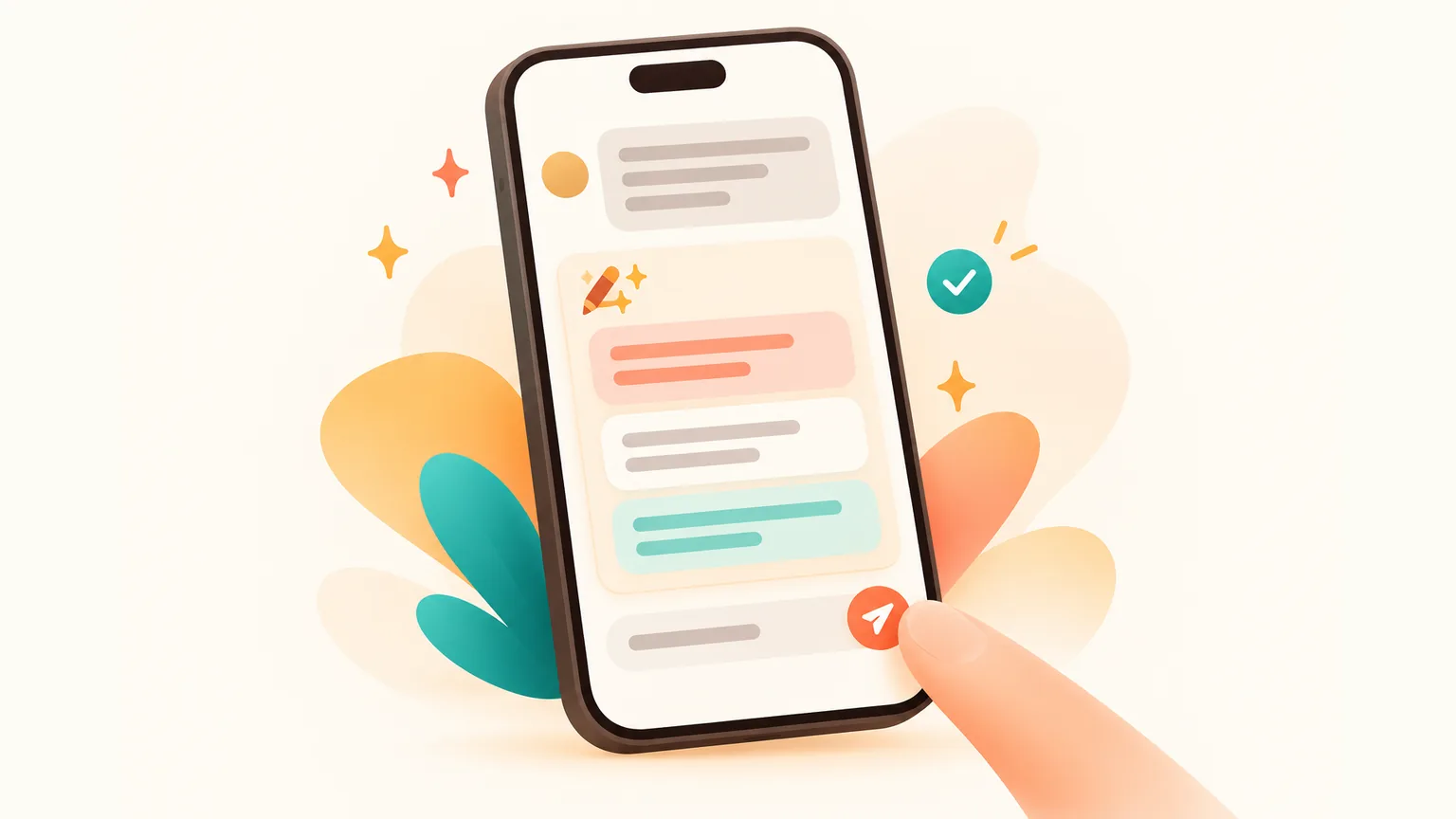
What's the fastest way to get an AI reply in WhatsApp?
- Inside WhatsApp. Tap the sparkle-pencil icon near the message bar. Writing Help (August 2025) rewrites a message you've drafted in a different tone; since 26 March 2026 it also drafts a reply from your conversation (TechCrunch). Opt-in, English-first, country-by-country rollout.
- For every chat, in your tone, in their language. Use Aivi — a separate app on iPhone and Android that works on top of your WhatsApp and Telegram. Ask for a reply, Aivi suggests a draft that fits the thread; you tweak or send. No bots, no auto-replies.
What is an AI reply in WhatsApp, really?
An AI reply in WhatsApp is a message written for you by an AI, that you decide what to do with. Not an auto-answer that goes out while you sleep — a draft. Three flavours exist today:
- AI drafts — the AI writes a reply, you read it, send or rewrite.
- Auto-replies — the phone sends a pre-written message without you. "Thanks, we'll be back on Monday."
- Browser generators — paste the incoming message on a website, copy the reply back into WhatsApp.
WhatsApp Writing Help: AI reply drafts inside the app
WhatsApp has its own WhatsApp AI response helper, called Writing Help. First it rewrote what you typed — proofread, polish, switch tone. Since 26 March 2026 it also drafts a response for you from the conversation.
Where do you find it?
- Open the chat.
- In the text field, tap the stickers icon.
- Pick the sparkle-pencil icon near the message bar.
- Pick a rewrite option for a message you've typed, or let Writing Help suggest a reply from the thread.
How do I turn off AI chat reply in WhatsApp?
You can switch off the AI features that use Private Processing. In WhatsApp you'll find them under Private Processing in Chats settings. Simply ignoring Writing Help also works — nothing is sent anywhere until you tap the icon. Meta AI itself can't be removed from WhatsApp; you simply don't have to open it.
Where it shines: a quick polish of a reply you've typed, or a first draft when the thread is simple. Where it stops: long group threads, less common languages, and a reply in your personal voice — Writing Help writes well, it doesn't know how you text.
Can I set up an automated reply on WhatsApp?
In the regular WhatsApp — no. The app has no built-in "out of office" or auto-answer. If someone writes while you're asleep, your phone stays quiet.
In WhatsApp Business — yes. Three tools: an Away message outside working hours, a Greeting message for new contacts, and Quick replies you insert by typing a slash (/). For companies on the Business API, Meta also runs Business Agents — AI bots that answer customers. Not for personal chats.
AI WhatsApp reply generators in the browser
A whole genre of websites offers an ai whatsapp reply generator — free or almost free. Paste the incoming message, pick a tone, copy the suggested reply, send. Useful for a one-off AI WhatsApp message reply when nothing comes to mind.
Three honest limits: no chat context (one message in a vacuum), a copy-paste tax every single time, and no voice notes or translated replies. A voice note in Portuguese stays untouched.
Aivi: a WhatsApp AI reply in your tone, in their language — you send
Aivi is a separate app for iPhone and Android that sits on top of your WhatsApp and Telegram. Ask for a reply, Aivi writes a draft that fits the thread and sounds like something you'd write. You edit it or send it. Aivi never sends on its own.
A draft in your tone, built from the chat
Aivi reads the thread and writes a reply that matches how it's going — formal, casual, blunt, warm. Edit it or send it as is.
Their language, your language
Type in English; Aivi sends in their language. Set once per chat. Spanish, Arabic, Hindi, Portuguese, French and dozens more.
Voice notes become text
A voice note arrives, Aivi transcribes it in your language. You read, you reply. No more pressing play three times.
WhatsApp and Telegram, same app
One assistant across both messengers. A client thread on WhatsApp and a team thread on Telegram, same habits.
You stay in control
Aivi never asks for your WhatsApp password or SMS code — you link WhatsApp yourself through its official Linked Devices feature. Chats stay on your phone; we keep no archive. Unlink any time.
No bot answering for you. No copy-paste. The thread moves in both languages at once, and the message that goes out is yours.
How to add Aivi to WhatsApp
Three steps once, then it quietly handles each new chat.
- Install Aivi from the App Store or Google Play, sign in with Apple or Google.
- Link WhatsApp yourself through WhatsApp's official Linked Devices feature. Aivi never asks for your WhatsApp password or SMS code.
- Ask for a reply. Open a chat in Aivi and ask for a reply — you get a draft that fits the thread. Edit it or send it; you decide every time.
Is it safe to use an AI reply in WhatsApp?
Short answer: yes, with eyes open. Different tools, different safeguards.
- WhatsApp Writing Help runs through Meta's Private Processing. Meta states that neither Meta nor WhatsApp read your messages or drafts. Opt-in — nothing happens until you tap the icon.
- Meta AI is a chat with Meta's AI. Treat it like one — don't paste anything secret in.
- Aivi: you link WhatsApp yourself via Linked Devices — Aivi never asks for your WhatsApp password or SMS code. Your messenger passwords never reach our servers. Chats stay on your phone; we keep no archive. Aivi never sends anything without you. Unlink any time.
AI reply vs auto-reply vs generator vs Aivi — side by side
Four tools, four different jobs. The table below shows who hits send, who sees the thread, whether the reply speaks the other side's language, and which messengers each one covers.
| Question | WhatsApp Business auto-reply | Browser AI reply generator | WhatsApp Writing Help | Aivi |
|---|---|---|---|---|
| Who sends the message? | The phone sends, without you. | You, after copy-paste. | You, after one tap. | **You**, after reading the draft. |
| Does the tool see the chat context? | No — it's a canned message. | No — only the one message you paste. | Yes — the thread inside WhatsApp. | **Yes** — the thread, plus notes on who's who. |
| Can the reply go out in the sender's language? | Only if you wrote the template that way. | If you ask for it, then copy-paste back. | In the languages WhatsApp Writing Help currently supports. | **Yes** — set once per chat, works in dozens of languages. |
| Which messengers? | WhatsApp Business only. | Any — it's just text in a browser. | WhatsApp (where rolled out). | **WhatsApp and Telegram** on iPhone and Android. |
Short version: auto-replies are great for "we're closed, see you Monday." Browser generators are a one-off safety net. Writing Help is a lovely polish inside WhatsApp. Aivi is for the chats that need you — your tone, their language, you send.
Related reading: AI Assistant for WhatsApp: a day with Aivi in your chats and WhatsApp Translator: how to translate chats, voice messages and replies.
Frequently asked questions
What is an AI reply in WhatsApp?
A reply written for you by an AI, that you decide what to do with. Inside WhatsApp, Writing Help drafts replies from the chat. Aivi, a separate app, drafts replies in your tone across WhatsApp and Telegram — you always hit send.
How do I turn off AI chat reply in WhatsApp?
You'll find the AI features under Private Processing in your Chats settings. Switch them off there. You can also simply not tap the sparkle-pencil icon — Writing Help doesn't run until you ask.
Can I set up an automated reply on WhatsApp?
In the regular WhatsApp, no. In WhatsApp Business you get Away message, Greeting message and Quick replies. On the Business API, Meta also runs Business Agents. For personal chats, Aivi deliberately does the opposite — it drafts, you send.
Is it safe to chat with WhatsApp AI?
Writing Help is opt-in and uses Private Processing; Meta states that neither Meta nor WhatsApp read your messages or drafts. Aivi never asks for your WhatsApp password or SMS code; you link WhatsApp yourself via Linked Devices, chats stay on your phone, and Aivi keeps no archive.
Is there a free AI WhatsApp reply generator?
Yes — dozens of browser sites. Paste the message, pick a tone, copy back. No chat context, copy-paste every time. For a native experience, use Writing Help inside WhatsApp or Aivi across WhatsApp and Telegram.
Does Aivi reply for me while I'm away?
No. Aivi is not an auto-replier. It writes a draft; you edit, send or ignore. For a true out-of-office, use WhatsApp Business's Away message — Aivi doesn't replace it.
Is Aivi free?
Aivi is free to download and try. Ongoing use needs a subscription — $9.99 a month on the standard plan in the US; prices vary by country, and you always see the price in the app before you pay.
Aivi is an independent app by ZPOOL FZCO and is not affiliated with, endorsed or sponsored by WhatsApp, Meta or Telegram. WhatsApp and Telegram are trademarks of their respective owners. Product details as of October 19, 2026.