
WhatsApp Assistant: Which Ones Actually Work With Your Chats (2026)
Everyone sells a WhatsApp assistant now — Meta's own AI, Siri on the iPhone, Gemini on Android, a long tail of bots and browser add-ons. Most of them talk to WhatsApp from the outside; very few help you with the chats you already have. Below: the five kinds of assistant you'll actually meet in 2026, what each is good at, where it stops, and where Aivi fits — on top of your own WhatsApp and Telegram.
Does WhatsApp have an AI assistant?
- Yes — Meta AI is built into WhatsApp. You can chat with it, ask it to draft text or make an image, and in some countries summarise unread messages. Availability still varies by country (as of October 2026).
- For your own chats — the ones with your mum, your clients, your football group — install Aivi, link WhatsApp yourself through its official Linked Devices feature, and Aivi reads along on your side: it drafts replies in your tone, translates both ways, and turns plans into calendar entries.
What is a WhatsApp assistant?
A WhatsApp assistant is anything that helps you with messaging in WhatsApp — reading, writing, translating, scheduling, remembering. Some live inside the app, some live on your phone, some live on the other end of a business number. They do very different jobs.
In 2026 you'll meet five kinds. Each is good at one thing and useless at another, so it helps to know which does what before you pick.
- Meta AI inside WhatsApp — a chat with Meta's own AI.
- Voice assistants on your phone — Siri on the iPhone, Gemini on Android.
- Business bots on company numbers — the "How can I help you?" ones.
- Browser add-ons for WhatsApp Web — small helpers for the desktop.
- An assistant on top of your chats — a separate app that reads your WhatsApp on your side. That's where Aivi sits.
Does WhatsApp have an AI assistant?
Yes — Meta AI is built into WhatsApp. You open a chat with it, ask something, and it answers. It also adds a few helpers inside your other chats: Writing Help to polish a message, image generation and, in some countries, a summary of unread messages (as of October 2026).
What Meta AI does inside WhatsApp:
- Answers your questions — facts, how-tos, quick research.
- Drafts and polishes text with Writing Help in a chat.
- Summarises unread messages — a short recap, where the feature is available.
- Generates images on request.
What it doesn't do with your conversations: it lives in its own chat, not inside the one with your contact; it doesn't send messages for you; it doesn't translate your replies into your contact's language; and it doesn't turn plans from your chats into calendar entries.
What about voice: Siri and Gemini for WhatsApp?
Phone voice assistants treat WhatsApp as another messaging app on your phone. They can send and (on iPhone) read, but they don't understand the content of your conversations.
Siri on iPhone has supported WhatsApp since 2017. Once you allow WhatsApp in Siri's settings (the list of apps that can use Siri), you can say "Send a WhatsApp to Anna: on my way" or "Call Anna on WhatsApp". Siri will also read out unread WhatsApp messages when you ask (as of October 2026).
Gemini on Android does the same job through its WhatsApp extension: say "Send a WhatsApp to Anna" or "Call Mum on WhatsApp" and Gemini drafts and sends. By 2026 coverage, Gemini doesn't read or summarise your WhatsApp history.
Where voice assistants stop: no memory of your conversations, no two-way translation, no sense of a plan agreed across fifteen messages in a group. Fine for a quick "send" or "call" — not for the actual threads.
What is a WhatsApp assistant bot?
A WhatsApp assistant bot is an AI you chat with on a specific WhatsApp number — the number belongs to a company, not to you. You message the bot, and it answers using the WhatsApp Business API.
The map changed on 15 January 2026. Meta updated its WhatsApp Business Solution terms to bar third-party general-purpose AI assistants, where the AI is the "primary" product. ChatGPT and Microsoft Copilot left WhatsApp.
Depending on where you live, parts of this are being revisited — in the EU in particular — so a bot that works for a friend abroad may be gone for you.
What is still allowed:
- Business-specific bots — customer support, order tracking, appointment booking, lead qualification. These were not the target of the ban.
- Meta's own Meta AI business assistant inside the WhatsApp Business app, which replies to customers on behalf of a shop.
What a bot like that never does: help you with your own chats. It is on the other side of the conversation.
Can an AI assistant work with your own WhatsApp chats?
Yes — but only an assistant that reads your WhatsApp on your side can. That's what Aivi does. It isn't a bot inside WhatsApp and it doesn't need the business API; it is a separate app on your phone that links to your WhatsApp through the same Linked Devices feature WhatsApp Web uses.
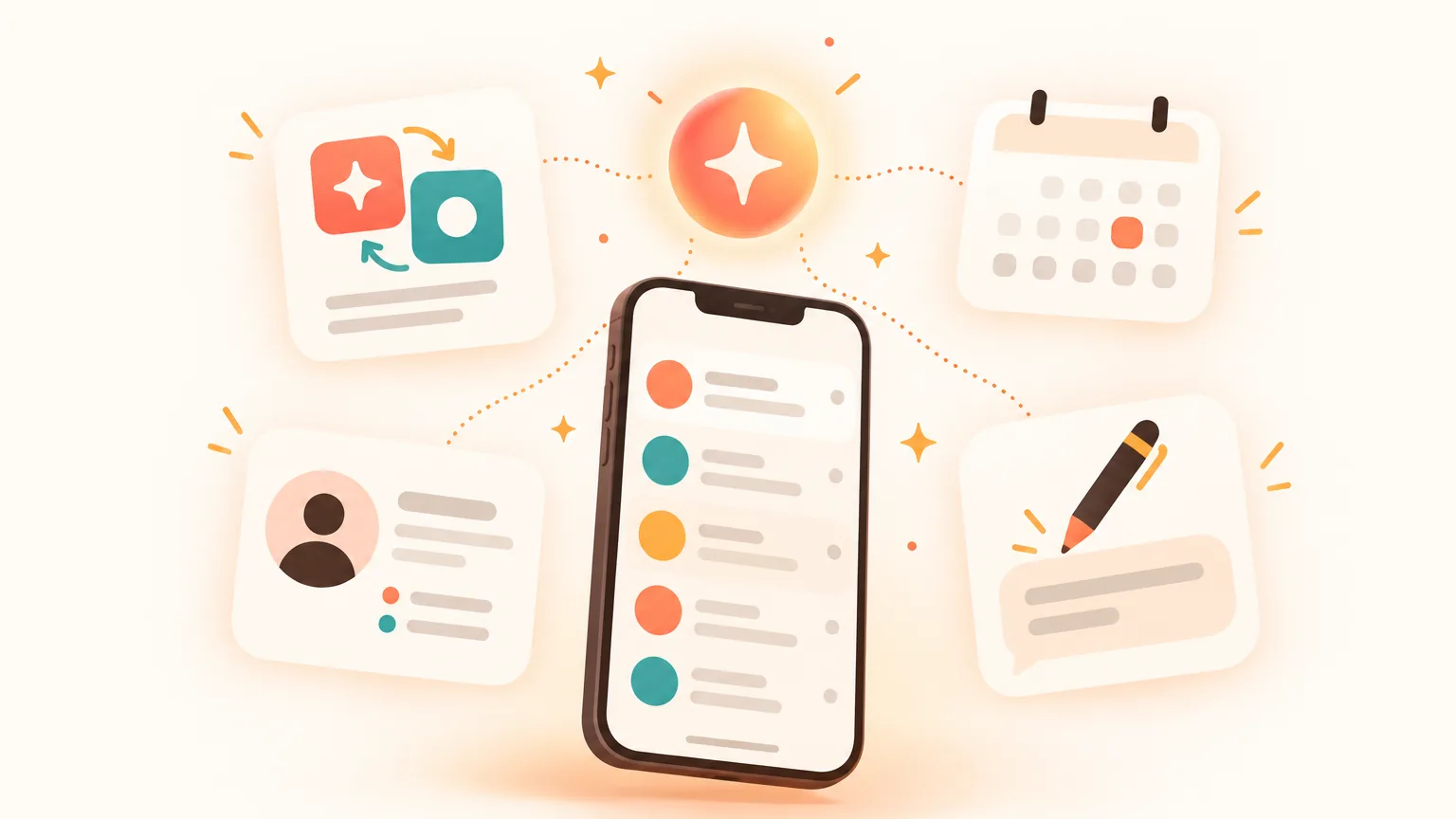
Aivi is an AI assistant for iPhone and Android that sits on top of your WhatsApp and Telegram. Your messages still happen in WhatsApp — Aivi reads along, drafts, translates, and nudges you about the ones you still owe.
WhatsApp and Telegram, one list
A single inbox for both messengers, with the same assistant on top. No bot inside the chat with your contact.
Drafts in your tone
Not sure how to reply? Aivi suggests a draft in your words — edit it or send it, your call. Nothing goes out without you.
Two-way translation
Incoming messages in your language, your replies in your contact's — voice notes included. Set per chat.
Plans spotted in your chats
A meeting, a call, a deadline — Aivi offers to add it as an event or a task. Connect Google Calendar if you use one.
Remembers who's who
Short notes on the people you talk to, and a nudge about who else is still waiting for your reply.
Your day, every morning
Each morning Aivi shows your meetings and tasks for the day in one place.
Your contact doesn't need Aivi or anything else. Everything happens on your side. For translation, see WhatsApp Translator; for scheduling, Calendar in WhatsApp.
How do I get an AI assistant on WhatsApp?
If you want Meta AI and it's available in your country, it's already in WhatsApp — look for the Meta AI button. If you want an assistant that works with your own chats, four steps.
- Install Aivi from the App Store or Google Play, and sign in with your Apple or Google account.
- Link WhatsApp yourself through WhatsApp's official Linked Devices feature — the same one WhatsApp Web uses. Aivi never asks for your WhatsApp password or SMS code.
- Add Telegram and Google Calendar if you want so your chats and plans sit in one place.
- Chat as usual. Aivi reads along on your side — drafts a reply, translates a message, offers to save a plan. One tap, your call.
Assistants compared: Meta AI, Siri and Gemini, business bots, Aivi
Different assistants, different jobs. The question is which one touches your chats — the ones with people you actually know.
| Meta AI in WhatsApp | Siri & Gemini (voice) | Business bots | Aivi | |
|---|---|---|---|---|
| Works with your own chats | No — a chat with Meta AI, plus Writing Help and summaries | Sends and (iPhone) reads unread; no history | No — a bot on the business's number | Yes — reads along on your side, one-to-one and groups |
| Drafts replies in your tone | Writing Help in a chat | No — short dictation | No | Yes — you edit before sending |
| Translates both ways | Translates what you ask it | No | No | Yes — your replies go out in your contact's language |
| Plans into calendar entries | No | Siri can set reminders on your phone | No | Yes — Google Calendar can be connected |
| Where it lives | Inside WhatsApp | Your phone's voice assistant | On a business number | A separate app on your phone |
| Price | Free, inside WhatsApp | Free with your phone | Set by the business | Free to download; subscription for ongoing use |
The short version: keep Meta AI for questions, keep Siri or Gemini for voice-sending, and add Aivi when the hard part is the messages you already have.
What are some free WhatsApp AI assistants?
A few are free out of the box, and a few are free to start:
- Meta AI inside WhatsApp — free, with the limits above.
- Siri on the iPhone and Gemini on Android — included with your phone, free to use with WhatsApp.
- Aivi — free to download and try. Ongoing use needs a subscription — $9.99 a month on the standard plan in the US, prices vary by country, and you always see the price in the app before you pay.
Steer well clear of free apps that ask for your phone number and SMS code, or push a modified WhatsApp. That is how accounts get stolen.
How do I talk to WhatsApp support?
Open WhatsApp and go to Settings → Help (on some versions Help and feedback), then Contact us. That reaches WhatsApp's official support. You can also browse the WhatsApp Help Center at faq.whatsapp.com — most common issues have an article there.
No AI assistant, Meta AI or Aivi included, can speak to WhatsApp support on your behalf. For account issues, go to WhatsApp directly.
Is it safe to let an assistant into your WhatsApp?
It depends on what the assistant touches. Meta AI runs inside WhatsApp from Meta, with its own privacy settings. Siri and Gemini run on your phone. An app that reads your WhatsApp on your side is only as safe as it is honest about three things: how it links to WhatsApp, what it sends out, and who else can see your messages.
That is how Aivi is built:
- Aivi never asks for your WhatsApp password or SMS code — you link it yourself through WhatsApp's official Linked Devices feature.
- Your messenger passwords never reach our servers.
- We keep no archive of your messages: your chats stay on your phone. Aivi sends only the text it needs to AI services — never your email, phone or contact list.
- Aivi never sends anything without you — nothing is posted into your WhatsApp chats on its own.
- Unlink anytime: in WhatsApp under Linked Devices, in Telegram under Devices.
Short rule: if an assistant asks for your SMS code, close it. If it links through WhatsApp's own Linked Devices and tells you what leaves your phone, it is playing straight.
Frequently asked questions
Does WhatsApp have an AI assistant?
Yes. Meta AI is built into WhatsApp — chat with it directly, let it draft text with Writing Help or make an image, and in some countries summarise unread messages. Availability varies by country as of October 2026. For an assistant that works with your own chats, there's Aivi.
How do I talk to WhatsApp support?
In WhatsApp, go to Settings → Help (on some versions Help and feedback) → Contact us and send your question. That reaches WhatsApp's own support team. You can also search the WhatsApp Help Center at faq.whatsapp.com. No AI assistant, Meta AI or Aivi, can contact WhatsApp support for you — account issues go to WhatsApp directly.
What are some free WhatsApp AI assistants?
Meta AI inside WhatsApp is free. Siri on the iPhone and Gemini on Android are included with your phone and work with WhatsApp for sending and (on iPhone) reading unread messages. Aivi is free to download and try; ongoing use is a subscription — $9.99 a month on the standard plan in the US, prices vary by country.
How do I get an AI assistant on WhatsApp?
If you want Meta AI and it's available in your country, look for the Meta AI button — it's already in WhatsApp. If you want an assistant for your own conversations, install Aivi from the App Store or Google Play, sign in, and link WhatsApp yourself through its official Linked Devices feature. Aivi then reads along on your side.
Is there a WhatsApp assistant bot I can chat with?
Business-specific bots still work — customer support, order tracking, booking. Third-party general-purpose assistants such as ChatGPT and Microsoft Copilot left WhatsApp after Meta's 15 January 2026 policy change, which bars them from the WhatsApp Business API. Depending on where you live, some are returning. Meta AI remains available inside WhatsApp.
Can Aivi reply to my WhatsApp messages for me?
No — not on its own. Aivi suggests a draft in your tone; you read it, edit it, and tap send. Nothing is posted into a chat without you. If you'd rather handle a message yourself, you ignore the draft.
Will the other person see Aivi in our WhatsApp chat?
No. Aivi doesn't join the chat, doesn't add itself to contacts or groups, and never writes anything on its own. Your contact sees the messages you send, exactly as you send them. Aivi's suggestions, translations and plan prompts stay on your side.
Does Aivi need my WhatsApp password?
No. Aivi never asks for your WhatsApp password or SMS code — you link it yourself through WhatsApp's official Linked Devices feature, the same one WhatsApp Web uses. Your messenger passwords never reach our servers, and your chats stay on your phone.
Aivi is an independent app by ZPOOL FZCO and is not affiliated with, endorsed or sponsored by WhatsApp, Meta or Telegram. WhatsApp and Telegram are trademarks of their respective owners. Product details as of October 16, 2026.