
WhatsApp Translator: How to Translate Chats, Voice Messages and Replies (2026)
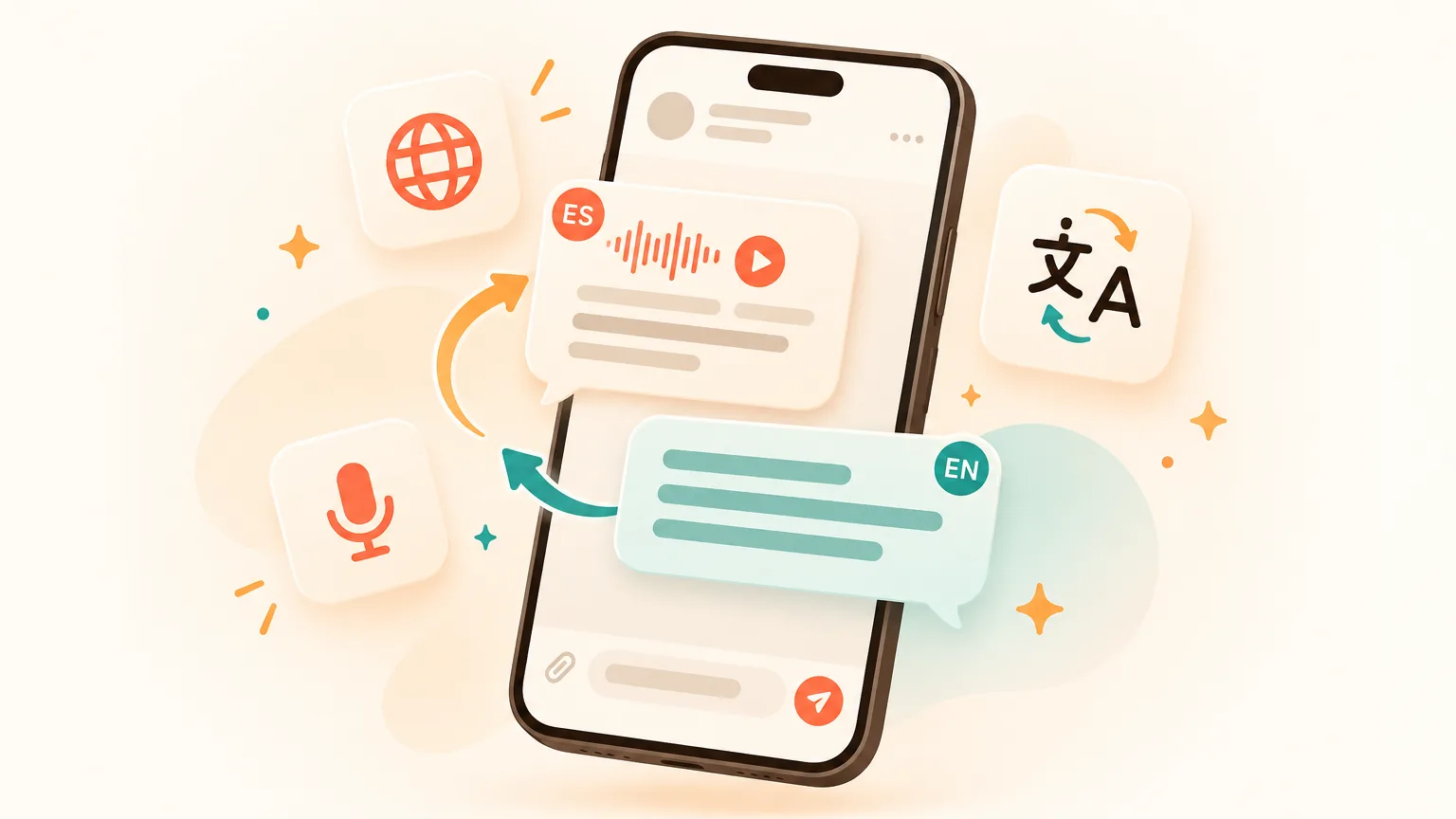
WhatsApp now has a translator of its own — but it only helps you read. To actually talk with someone in another language, you need an AI translator for WhatsApp that works both ways, right inside the chat. Below: how both options work, where each falls short, and how to get every message — text and voice — in your language.
How do I translate WhatsApp messages?
- Built in, free: long-press a message and tap Translate. On Android you can also auto-translate a whole chat. Fine for reading.
- Both ways, automatically: install Aivi, link WhatsApp yourself through its official Linked Devices feature and turn on translation for a chat. Incoming messages — voice notes included — arrive in your language, and what you type goes out in your contact's.
Does WhatsApp have a built-in translator?
Yes — WhatsApp has its own translator, Message Translations, which it started rolling out in September 2025. It runs on your phone and works in one-to-one chats, groups and channels.
To translate a WhatsApp message with it:
- Long-press the message.
- Tap Translate.
- Choose the language.
- Download the language pack — only the first time.
As of October 2026, the rest depends on your phone:
- Android: launched with six languages — English, Spanish, Hindi, Portuguese, Russian and Arabic — and can auto-translate a whole chat once you switch that on.
- iPhone: around 20 languages, depending on your iOS version, using Apple's built-in translation — one message at a time.
Why is the Translate option missing in WhatsApp?
Most often the feature simply hasn't reached your phone yet: WhatsApp rolls it out gradually. The other usual suspects:
- An old app version. Update WhatsApp and check again.
- The language. The message may be in a language your phone can't translate yet.
- Your phone. On iPhone the feature relies on Apple's translation, so your iOS version matters.
What can't WhatsApp's translator do?
It translates what you read, not what you write — and only text, in a short list of languages. Fine for the odd message. It gets harder when the conversation itself is the point:
- Your replies stay untranslated. Whatever you type goes out in that language — so you are back to copy-pasting from a translator app.
- A short list of languages. If your contact writes in a language your phone doesn't cover, there is nothing to tap. Bengali and Tagalog, for example, weren't among the Android launch languages.
- Voice messages. Message Translations is built for text. A voice note in a language you don't speak stays a voice note you can't understand.
- One app at a time. Your Telegram chats need a different tool, and switching apps breaks the flow of the conversation.
So how do you translate your own text on WhatsApp? Copy-paste through a translator app before every reply — or use a tool that does two-way translation inside the chat.
Is there a WhatsApp translator that works both ways?
Yes: Aivi, an AI translator for WhatsApp on iPhone and Android, translates incoming messages into your language and sends your replies in your contact's. Translation is one part of it — Aivi is an AI assistant for WhatsApp and Telegram that works on top of the chats you already have.
Incoming messages, in your language
Turn on translation for a chat once, and every new message arrives in your language — no long-press, no copy-paste.
Your replies, in theirs
Type in your own language; Aivi sends your message in your contact's language.
Voice messages, too
Aivi turns voice notes into text and shows it in your language. Tap to see the original anytime.
Dozens of languages, set per chat
From Spanish, Arabic and French to Hindi and Bengali — your landlord in one language, your clients in another.
Telegram in the same app
The same translation works in the Telegram chats you link.
Help with what to say
Not sure how to reply? Ask Aivi for a draft in your language and send it in theirs.
Your contact doesn't need Aivi or anything else. They keep writing in their own language, as usual. The translation happens on your side.
What is the best app for translating WhatsApp audio?
Pick one that turns the voice note into text first, then translates it — that's how Aivi handles WhatsApp audio. You read the message in your language; tap to see the original.
Handy when your landlord or a client would rather talk than type. Just note: Aivi works with voice messages, not calls.
How do you translate WhatsApp chats with Aivi?
Four steps. After that, translation just runs in the chats you picked.
- Install Aivi from the App Store or Google Play and sign in with your Apple or Google account.
- Link WhatsApp yourself through WhatsApp's official Linked Devices feature — the same one WhatsApp Web uses. Aivi never asks for your WhatsApp password or SMS code.
- Open a chat and turn on translation and choose the language for that chat — once.
- Just chat. New messages arrive in your language, and what you type is sent in your contact's.
Want WhatsApp messages translated to English? Set English as your language: messages arrive in English, and your replies go out in your contact's language.
How does WhatsApp's translator compare with Aivi?
WhatsApp's translator is free and fine for reading; for full chat translation, Aivi adds replies, voice notes, dozens of languages and Telegram.
| WhatsApp's built-in translator | Copy-paste into a translator app | Aivi | |
|---|---|---|---|
| Incoming messages | Long-press each message; auto-translate a whole chat on Android | Copy, switch apps, paste | Automatic for the whole chat |
| Your replies | Not translated | Translate, copy, switch back, paste | Type in your language — sent in theirs |
| Voice messages | Not covered | Not practical | Turned into text and translated |
| Languages | 6 on Android at launch, about 20 on iPhone | Many | Dozens, set per chat |
| Telegram | — | Copy-paste again | In the same app |
| Where the text goes | Stays on your phone | The translator app's service | Only the text needed for translation goes to AI services |
| Price | Free | Usually free | Free to download; subscription for ongoing use |
The short version: to understand a message now and then, the free WhatsApp translator is enough (as of October 2026). If you talk with people in another language every day — and want to answer as easily as you read — Aivi saves you the copy-paste.
Who needs a translator app for WhatsApp?
Anyone who chats across a language barrier every week, not just once in a while:
- Expats and newcomers — landlords, schools, doctors and neighbours, each in their own language.
- People who work with clients abroad — answer customers and partners in their language, all in one thread.
- Families across languages — chat with in-laws and relatives, no dictionary needed.
- Travellers — book tours, rent a car and ask your host questions in the local language.
Is it safe to use a translator with WhatsApp?
It can be — if the app never asks for your SMS code or password and you link WhatsApp yourself through its official Linked Devices feature.
Steer clear of "WhatsApp translator" apps that ask for your phone number and SMS code, or want you to install a modified WhatsApp — that is how accounts get stolen. Aivi works differently:
- Aivi never asks for your WhatsApp password or SMS code — you link it yourself in WhatsApp → Linked Devices.
- Your messenger passwords never reach our servers.
- We keep no archive of your messages: your chats stay on your phone. To translate, Aivi sends only the text it needs to AI services — never your email, phone or contact list.
- Aivi never sends anything without you, and will never ask you to send a code by message, email or phone call.
- Unlink anytime: in WhatsApp under Linked Devices, in Telegram under Devices.
Frequently asked questions
Is there a translator in WhatsApp?
Yes. Since September 2025 the built-in WhatsApp translator can translate messages you receive: long-press a message and tap Translate. As of October 2026 it covers six languages on Android at launch and about 20 on iPhone, and it doesn't translate your replies. For two-way translation, there's Aivi.
How do I turn on auto translate on WhatsApp?
On Android, once Message Translations reaches your phone, you can switch on automatic translation for a whole chat. On iPhone it translates one message at a time (as of October 2026). With Aivi you turn on translation for a chat once, on either phone, and every new message arrives in your language.
How do you translate your text on WhatsApp?
WhatsApp's built-in translator only translates messages you receive, so your text goes out as you typed it. To send it in another language, copy-paste through a translator app — or use a WhatsApp AI translator like Aivi: type in your language, and Aivi sends it in your contact's.
What is the best app for translating WhatsApp audio?
One that turns the voice message into text first, then translates it — WhatsApp's own translator is built for text. Aivi does both: it transcribes voice notes and shows the text in your language, original a tap away. It works with voice messages, not calls.
Why is the "Translate" option missing in WhatsApp?
Usually the feature hasn't reached your phone yet: WhatsApp rolls out Message Translations gradually, so update the app and check again. The message may also be in a language your phone can't translate, and on iPhone your iOS version matters. Aivi works in any chat you turn translation on for.
Is there a totally free translator app?
Yes. WhatsApp's built-in translator is free, and many translator apps are free if you don't mind copy-pasting. Aivi is free to download and try; ongoing use needs a subscription — $9.99 a month on the standard plan in the US. Prices vary by country, and you always see the price in the app before you pay.
Does the other person need to install anything?
No. They read and write in their own language as usual — translation happens on your side.
Does Aivi need my WhatsApp password?
No. Aivi never asks for your WhatsApp password or SMS code — you link it yourself through WhatsApp's official Linked Devices feature. Your messenger passwords never reach our servers.
Aivi is an independent app by ZPOOL FZCO and is not affiliated with, endorsed or sponsored by WhatsApp, Meta or Telegram. WhatsApp and Telegram are trademarks of their respective owners. Product details as of October 16, 2026.