
How to Translate WhatsApp Messages to English: Auto-Translate on Android, iPhone and Aivi (2026)
Someone writes in Spanish, Hindi or Arabic, and you need it in English — fast. WhatsApp added a built-in Translate option in September 2025, and on Android you can turn auto-translate on for a whole chat. The full picture: how to translate WhatsApp messages to English today, where Android's auto-translate lives, what's different on iPhone, how to reply in the sender's language, and where Aivi fills the gaps.
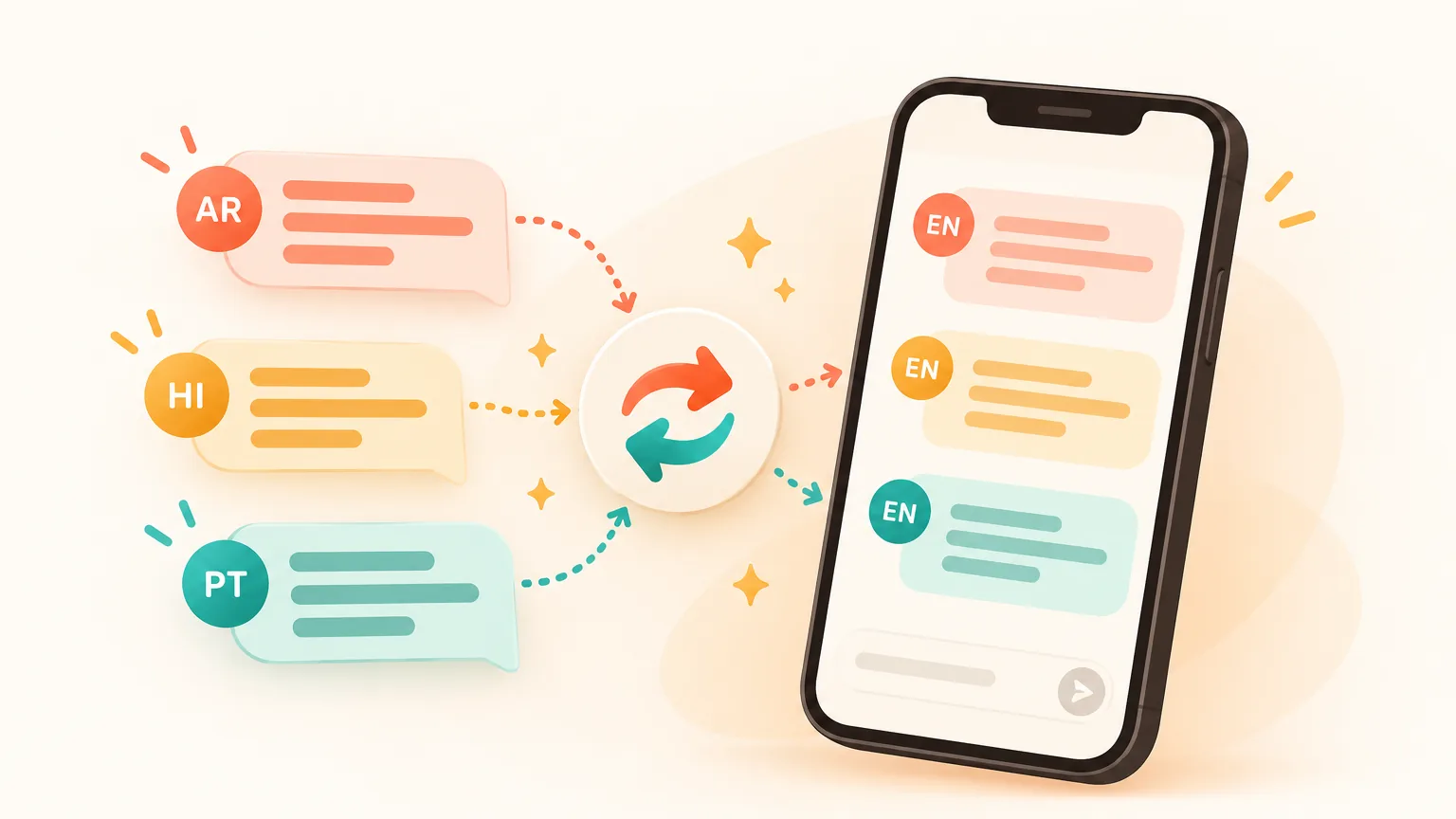
Can I translate WhatsApp messages to English?
- Yes, one message at a time. Press and hold → Translate → English → download the language pack once. Rolling out worldwide since 23 September 2025 (WhatsApp blog).
- For the whole chat, Android only as of October 2026 — the switch sits in the chat's translation options after your first translation. On iPhone, one message at a time; whole-chat auto-translate is reported to be in the works, not shipped. For both phones and replies in the sender's language — use Aivi.
How to translate one WhatsApp message to English
The long-press menu is where WhatsApp's built-in translation lives. One message, your pick of language. The steps are the same on Android and iPhone.
- Open the chat and find the message in a language you don't read.
- Press and hold the message until the menu appears.
- Tap Translate.
- Pick English as the target language.
- The first time, tap to download the language pack — a one-off.
- The translation appears in the chat. Only you see it.
How to add auto translate on WhatsApp Android (whole chat)
If you came looking for a built-in translator on WhatsApp Android — this is it. Flip a chat into English for good, and every new message in it gets translated automatically. Android-only as of October 2026.
How do I turn on auto translate on WhatsApp?
You turn it on from inside the chat, after you've translated at least one message there.
- Open the chat with incoming messages in a language you don't read.
- Long-press any message → Translate → English. Download the language pack if asked.
- In the chat's translation options, switch on the setting that translates the whole chat automatically. Every new incoming message in that chat then appears in English.
How to get and activate auto translate on WhatsApp Android
- Update WhatsApp in Google Play — staged rollouts, a fresh build is the fastest route in.
- Translate one message first. The whole-chat setting appears after that first translation.
- Android starter languages (October 2026): English, Spanish, Hindi, Portuguese, Russian, Arabic. More to come.
- Only incoming messages are translated. Your replies go out exactly as you typed them.
Can you translate WhatsApp messages on iPhone?
Yes, one message at a time. iPhone uses Apple's built-in translation (around 20 languages, exact list depends on your iOS version). Press and hold any message → Translate → pick English.
Whole-chat auto-translate is Android-only right now. News reports in spring 2026 said the same switch is in the works for iPhone, but WhatsApp hasn't shipped it — treat it as "may arrive later, no promises". Longer breakdown: our WhatsApp translator guide.
Why isn't the "Translate" option available on my WhatsApp?
Short answer: the feature is still rolling out, your WhatsApp is behind, or the sender's language isn't in your phone's translation list.
- Update WhatsApp in the App Store or Google Play. New options appear in the long-press menu after an update, not in Settings.
- Not a modified WhatsApp. WhatsApp Plus, GB WhatsApp and similar can miss official features and can get your account banned.
- Check the languages on your phone. On iPhone, Translate is limited to the languages Apple supports; on Android, the sender's language has to be on WhatsApp's list.
- Give it time. Since 23 September 2025 WhatsApp has been staging Translate across accounts — some phones get it first, others wait weeks.
How do I activate Google Translate on WhatsApp?
You don't — not inside WhatsApp. The Google Translate app has a feature called Tap to Translate on Android: switch it on in Google Translate → Settings, then long-press a WhatsApp message → Copy, and a small floating bubble shows the translation.
It's a copy-paste bridge, not a built-in translator. It doesn't translate your outgoing replies and it doesn't touch voice notes.
How to reply so the sender gets your message in their language
This is the awkward half. WhatsApp's built-in translation translates what you read. Your replies go out in whatever language you typed them in. Three options to fix it:
- Use the Translate app on your phone, translate your answer, paste into WhatsApp. Round-trip, but it works.
- Agree on English with your chat partner — handy if they also added English on their side.
- Use Aivi: set the chat's language once; from then on you type in English and your reply goes out in theirs.
What about voice notes?
WhatsApp's built-in translation is a text translator — it doesn't translate voice notes. A 45-second ramble in Portuguese stays untouched by the Translate option.
If voice notes in another language are a big part of your chats, that's where Aivi helps — more below.
Aivi: every WhatsApp message in English, your replies in their language
Aivi is a separate app for iPhone and Android, working on top of your WhatsApp and Telegram. Different trade-off: WhatsApp's built-in translation runs on your phone; Aivi uses AI services to translate.
The payoff — Aivi doesn't depend on the WhatsApp rollout, doesn't care about Apple's language list, works the same on both phones, and handles the reply side.
English by default, every chat
Flip a chat to English once; every new incoming message arrives translated, no taps. Same on iPhone and Android.
Replies in their language
You type in English. Aivi sends in the sender's language — Spanish, Arabic, French, Hindi, Bengali and dozens more. Set once per chat.
Voice notes you can read
A voice note arrives, Aivi transcribes it and shows the text in English. Tap to see the original text if you want.
You link WhatsApp yourself
You link WhatsApp through its official Linked Devices feature. Aivi never asks for your WhatsApp password or SMS code. Your chats stay on your phone — Aivi keeps no archive. Unlink any time in WhatsApp → Linked Devices.
No translator app in the middle. No copy-paste. The sender keeps writing in Arabic, you keep thinking in English, and both sides read the message in their language.
How to add Aivi to WhatsApp
Three steps once; after that it quietly handles each new chat.
- Install Aivi from the App Store or Google Play, sign in with Apple or Google.
- Link WhatsApp yourself through WhatsApp's official Linked Devices feature. Aivi never asks for your WhatsApp password or SMS code.
- Turn on translation for a chat once. English for you, their language for them — from then on every new message arrives in English.
WhatsApp built-in translation vs Aivi — by situation
Different jobs. Each row below is a real situation; the last two columns say what each tool does for you right now.
| Situation | WhatsApp built-in translation | Aivi |
|---|---|---|
| One Spanish message on iPhone | Long-press → **Translate** → **English**. One message at a time. | Already in English when you open the chat; your reply goes out in Spanish. |
| Whole chat with a supplier in Arabic, Android | Translate one message, then switch **auto-translate for the whole chat** on. Only incoming is translated. | English in, replies out in Arabic. Both sides work. |
| Whole chat on iPhone, every message auto | Not shipped as of October 2026 — one message at a time. | Yes, same on iPhone and Android. |
| A 1-minute voice note in Portuguese | Not covered — **Translate** is for text. | Aivi shows the voice note as text in English. |
| Replies in the sender's language | WhatsApp doesn't translate outgoing messages — you translate them yourself. | You type in English; Aivi sends in their language. |
Short version to translate WhatsApp messages to English: built-in Translate handles the one message you just read, Android's whole-chat auto-translate is a step up, and Aivi closes the two gaps — replies in their language, and the same experience on iPhone.
The broader comparison of translator apps and extensions sits separately: our WhatsApp translator guide.
Frequently asked questions
Can I translate WhatsApp messages to English?
Yes. Press and hold the message, tap Translate, pick English, and download the language pack once. The translation runs on your phone, works in personal chats, groups and channels, and the sender sees nothing. Rolling out worldwide since September 2025.
How do I turn on auto translate on WhatsApp?
On Android, translate one message in the chat first, then switch on the whole-chat auto-translate option in that chat's translation options. Every new incoming message in that chat then arrives in English. Android-only as of October 2026.
How do I get my Android to automatically translate messages on WhatsApp?
Update WhatsApp, long-press any message in the chat → Translate → English, download the language pack if asked, then switch on the whole-chat auto-translate option that appears in the chat's translation options. Starter languages on Android: English, Spanish, Hindi, Portuguese, Russian, Arabic.
Why isn't the "Translate" option available on my WhatsApp?
The feature rolls out in waves — your account may not have it yet. Update WhatsApp, use the official app, and check the sender's language is in your phone's translation list. More in our WhatsApp translator guide.
How do I activate Google Translate on WhatsApp?
You can't activate it inside WhatsApp. On Android, turn on Tap to Translate in the Google Translate app's Settings, then long-press a WhatsApp message → Copy, and a floating translation bubble appears. Copy-paste bridge, not a built-in WhatsApp feature; doesn't translate your replies.
Is there a real-time translator for WhatsApp?
For text, yes — WhatsApp's built-in translation is as close as it gets, and on Android the whole-chat setting translates new incoming messages automatically. For WhatsApp voice calls, no — there's no in-call translator today. Aivi covers text and voice notes.
Is Aivi free?
Aivi is free to download and try. Ongoing use needs a subscription — $9.99 a month on the standard plan in the US; prices vary by country, and you always see the price in the app before you pay. WhatsApp's built-in Translate is free.
Does Aivi need my WhatsApp password?
No. Aivi never asks for your WhatsApp password or SMS code — you link WhatsApp yourself through its official Linked Devices feature. Your messenger passwords never reach our servers, your chats stay on your phone, and Aivi keeps no archive. Unlink any time in WhatsApp → Linked Devices.
Aivi is an independent app by ZPOOL FZCO and is not affiliated with, endorsed or sponsored by WhatsApp, Meta or Telegram. WhatsApp and Telegram are trademarks of their respective owners. Product details as of October 19, 2026.