
How to Use AI in WhatsApp: Step-by-Step Guide for iPhone and Android (2026)
If you're wondering how to use AI in WhatsApp, there are three realistic shapes in 2026, and this guide walks each one step by step. The first is Meta's own Meta AI chat, which lives inside WhatsApp on iPhone and Android, plus the `@Meta AI` mention in group chats. The second is business accounts you message like a contact — a narrower category since Meta's January 2026 rules. The third is a different thing entirely: an assistant app alongside WhatsApp, like Aivi, that works with the chats you connect rather than putting AI into them.
How do I use AI in WhatsApp?
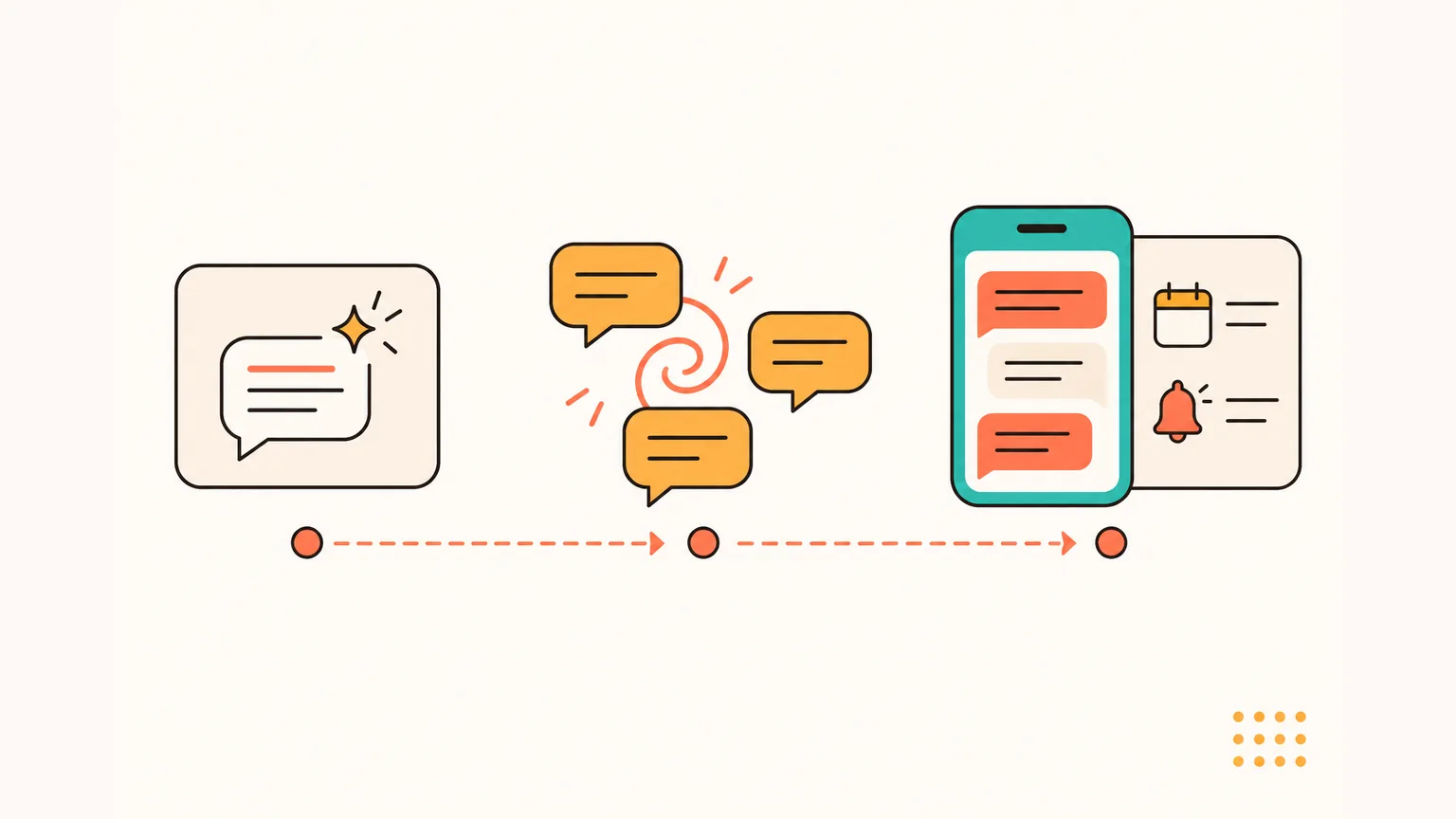
- In supported countries, open the Meta AI chat inside WhatsApp — a dedicated chat with Meta's AI assistant. You type a question, Meta AI answers. On iPhone and Android it works the same way.
- In a group chat, mention `@Meta AI` with your question. Meta AI answers one message in the group — it doesn't see the rest of the conversation.
- To get AI help with the chats you already have (translation, reply drafts, calendar events, reminders), use an assistant app alongside WhatsApp — like Aivi. It's a separate app and nothing shows up inside WhatsApp itself.
How AI works in WhatsApp today in 2026
If you're asking can I use AI in WhatsApp — yes, in three realistic shapes in 2026, and they don't overlap. The first is Meta AI, Meta's own assistant built into WhatsApp — a dedicated chat you open on iPhone or Android, and the `@Meta AI` mention inside group chats.
The second is business accounts you message like a contact. The third is a separate category: an assistant app alongside WhatsApp, like Aivi, that works with the chats you connect.
What changed in January 2026 matters. Meta tightened the rules for its WhatsApp Business API, and standalone general-purpose AI chatbots can no longer be distributed through that platform. The named casualties — we'll get to them below — include a number of assistants people used to add as WhatsApp contacts.
What's still here is Meta AI inside the app and apps that stay alongside WhatsApp. The language you type in doesn't change the picture — how to use WhatsApp AI stays the same regardless of the language you type in. What changes is availability by country and account.
How to use Meta AI in WhatsApp (iPhone and Android)
Meta AI is Meta's own AI assistant built into WhatsApp. You talk to it in a dedicated chat, and in group chats you can mention it with `@Meta AI`.
As of October 2026, Meta AI is available in a growing set of countries — Meta rolled it out in English in the US first, then expanded to the UK, Europe and dozens of other markets through 2025–2026.
Availability depends on your country and account, and the list keeps changing — if you don't see it yet, Meta hasn't enabled it in your region (WhatsApp — Meta AI).
On iPhone
- Open WhatsApp and go to your chats list Make sure WhatsApp is up to date in the App Store. Meta AI appears only in supported countries, so if you can't find it, your account doesn't have it yet.
- Look for the Meta AI chat, or start a new chat with Meta AI In supported countries, Meta AI shows up as a dedicated chat inside WhatsApp — look for it in your chats list, or start a new chat with Meta AI the way you'd start one with any contact.
- Type your question and send The chat opens like any other. You type your question, and Meta AI answers in the same thread. There's no separate account to create and no third-party sign-in.
On Android
In 2026 Meta AI behaves the same way on iPhone and Android inside WhatsApp — a dedicated chat and `@Meta AI` in groups. Availability depends on your country and account rather than on your phone.
- Open WhatsApp from your Android home screen Keep WhatsApp up to date through Google Play. If the Meta AI chat isn't there, it hasn't rolled out to your region or account yet.
- Open the Meta AI chat or start a new chat with Meta AI Meta AI appears as a dedicated chat alongside your conversations, the same way as on iPhone. Start a new chat with Meta AI if there's no existing one in your chats list.
- Ask your question in the chat Type your question and send. Meta AI replies in the thread. Everything you send to this chat goes to Meta AI, and nothing else — it doesn't look at your other chats.
@Meta AI in a group chat
- Open the group chat where you want AI help This works in any group where you can post. You don't need to be an admin to tag Meta AI — any group member can do it, from iPhone or Android.
- Type `@` and pick Meta AI from the suggestions WhatsApp shows a suggestions list when you type `@` in a group. In supported countries, Meta AI appears there alongside the group's members.
- Write your question after the mention and send Meta AI replies to that one message in the group. It doesn't read the rest of the conversation; Meta states it only sees the message that tags it.
If Meta AI doesn't show up for you — not in your chats list, not in the `@` suggestions in a group — Meta hasn't rolled it out to your country or account yet. There's no toggle inside WhatsApp that unlocks it, and signing in from another region is not a reliable workaround.
What Meta AI can and can't do in WhatsApp
What Meta AI inside WhatsApp does: it's a chat with an AI assistant. You ask it questions in its own thread; it answers. In a group, tagging `@Meta AI` gives the group a one-message answer to whatever you asked. That's the shape of the feature.
What it isn't: Meta AI is not an assistant that works with the messages between you and friends. It doesn't translate incoming messages, turn chat plans into calendar events, remind you about something a friend wrote three days ago, or read your private 1:1 chats. It's a different kind of tool than an assistant app alongside WhatsApp.
Meta states Meta AI only sees messages you send to it or in which you tag it. Your 1:1 chats with friends stay end-to-end encrypted and are not visible to Meta AI. The Meta AI chat itself, though, is not end-to-end encrypted between you and Meta, and Meta says messages in it may be used by Meta.
What about third-party AI bots in WhatsApp?
In October 2025 Meta updated the WhatsApp Business Solution terms to bar general-purpose AI chatbots from the WhatsApp Business API. The updated terms applied to new signups from 15 October 2025 and rolled out to all existing providers on 15 January 2026.
Named examples that stopped operating as standalone chatbots on the platform include OpenAI's ChatGPT (`1-800-ChatGPT`), Perplexity, Microsoft Copilot, Luzia and Poke.
Businesses that use AI for their own customer service — bookings, support, retail — are not affected (TechCrunch via Yahoo).
What that means in practice: if you used to add a general-purpose AI as a WhatsApp contact, that shape doesn't work anymore. The built-in Meta AI chat is still there in supported countries. Apps alongside WhatsApp sit in a different category — they stay in their own app and help with the chats you connect.
Beyond WhatsApp's built-in AI: an assistant app alongside your chats (Aivi)
Aivi is a separate app for iPhone and Android that works alongside your WhatsApp conversations. It doesn't join your chats, doesn't reply to people on its own, and nobody in your chats can see it. WhatsApp stays on your phone as usual — Aivi connects to it as a linked device, like WhatsApp Web.
Four everyday moves that come up in real conversations:
Translator
Incoming messages arrive in your language; your replies go out in theirs. The other person doesn't need any app.
Planner (calendar + tasks)
Calls, meetings and deadlines you agree on in a chat become calendar events and tasks — in one tap, with a reminder.
Memory
Aivi keeps notes about the people you talk to and tells you who is still waiting for your answer.
Editor (reply drafts)
Ask for a reply and get a draft that fits the conversation. Edit it or send it — the choice is yours.
Aivi can even call you to remind you about an event you added from a chat — not just a push. On a busy afternoon the push slides past; a ringing phone doesn't.
Aivi can also summarise several WhatsApp chats at once — see our write-up on multi-chat summaries.
What that looks like in a real exchange with a Spanish-speaking friend:
Three options at a glance
Six rows, three columns — one picture of how the three shapes differ.
| What you want | Meta AI inside WA | In-chat business bots | Alongside WA (Aivi) |
|---|---|---|---|
| Lives inside WhatsApp | Yes | Yes (as a contact) | No (separate app) |
| Works with your chats | No (its own chat) | No (its own thread) | Yes (chats you connect) |
| General AI chat | Yes | No (after Jan 2026) | No (that's not what it does) |
| Reply drafts in your tone | Limited | No | Yes |
| Calendar & reminders | No | Varies | Yes |
| Price | Free | Varies | $9.99/mo (US) |
Privacy and safety: what each option sees
Each of the three options sees a different slice of your WhatsApp life. Short version of what to expect from each.
Meta AI. Meta states Meta AI only sees messages you send to it in its own chat, or messages in which you tag it in a group — not the rest of the conversation. Your private 1:1 chats with friends stay end-to-end encrypted. The Meta AI chat itself is not end-to-end encrypted between you and Meta, and Meta says those messages may be used by Meta.
In-chat business bots. A business account sees only the thread between you and that specific business — not your private chats with friends.
Aivi (an app alongside WhatsApp). Aivi sits in its own category — not inside WhatsApp. The short list below is what the app does and doesn't do:
- Aivi never asks for your WhatsApp password or SMS code.
- Your messenger passwords never reach our servers.
- Aivi doesn't keep an archive of your messages — your chats stay on your phone.
- Aivi never sends anything without you.
- You can unlink anytime — in WhatsApp under Linked Devices, in Telegram under Devices.
Step-by-step: which one to pick
Three decisions, in order, to land on the right fit without over-thinking it.
- Decide what you actually want A quick AI chat — questions, drafts, brainstorming — go to Meta AI. A specific business task like a booking or support request — use that business's own account. Help with your own personal chats (translation, drafts, calendar from chats, reminders) — use an assistant app alongside WhatsApp like Aivi.
- Try the built-in option first If Meta AI covers what you need, you're done. Open the Meta AI chat in supported countries, or mention `@Meta AI` in a group. Nothing to install, no third-party sign-in.
- For help with your own chats, install Aivi Download Aivi from the App Store or Google Play. It links to WhatsApp through WhatsApp's own Linked Devices feature. From there your chats arrive in your language, with drafts, calendar events and reminders built in.
Frequently asked questions
How does AI work on WhatsApp?
There are three shapes in 2026. Meta AI is Meta's own assistant built into WhatsApp — a dedicated chat on iPhone and Android, and the `@Meta AI` mention in groups (supported countries only). In-chat business accounts are companies you message like a contact; since January 2026, Meta's rules bar general-purpose AI chatbots from running on the WhatsApp Business API. Separately, there are apps alongside WhatsApp like Aivi — a different category that works with the chats you connect, not inside WhatsApp itself.
How to use AI to reply in WhatsApp?
Two shapes work. Meta AI has its own chat inside WhatsApp — you can ask it to help you phrase something, then copy the reply into the chat with your friend. Or use an app alongside WhatsApp like Aivi, which drafts a reply inside its own screen for the chat you're reading. Ask for a reply and get a draft that fits the conversation. Edit it or send it — the choice is yours.
Which AI can I use in WhatsApp?
Two categories live inside WhatsApp. Meta AI is Meta's built-in assistant — the only general-purpose chat available natively in WhatsApp today. Business accounts are companies you message like a contact for their own services; since 15 January 2026, Meta's updated WhatsApp Business API rules bar general-purpose AI chatbots there, which is why names like OpenAI's ChatGPT (`1-800-ChatGPT`), Perplexity, Microsoft Copilot, Luzia and Poke stopped operating as standalone chatbots on the platform. If you want help with your own chats rather than another chatbot inside WhatsApp, an app alongside WhatsApp — like Aivi — is a different category.
Where is Meta AI in WhatsApp?
In supported countries, Meta AI appears as a dedicated chat in your chats list on iPhone and Android — the same way as any other chat. You can also start a new chat with Meta AI from the new-chat screen. In group chats, type `@` and pick Meta AI from the suggestions. If you don't see Meta AI anywhere, it hasn't rolled out to your country or account yet; there's no toggle inside WhatsApp that enables it.
Is there a WhatsApp AI chatbot I can add?
No public catalogue, no. WhatsApp has no equivalent of Telegram's bot directory. What used to be called 'a WhatsApp AI bot' was usually a business account built on the WhatsApp Business Platform — and after Meta's updated rules took full effect on 15 January 2026, general-purpose AI chatbots can no longer be distributed through that platform. Businesses that use AI for their own customer service — bookings, support, retail — are a separate category and still work.
Can I use AI to read my WhatsApp chats?
Meta AI inside WhatsApp doesn't read your private 1:1 chats — Meta states it only sees messages you send to it or in which you tag it in a group. If you want AI help with the chats you already have — translation, reply drafts, calendar events, reminders — the shape that fits is an app alongside WhatsApp, like Aivi. It's a separate app that connects to WhatsApp as a linked device, like WhatsApp Web, and it never sends anything without you.
Does Aivi work with Android and iPhone?
Yes. Aivi is a separate app for iPhone and Android that works alongside your WhatsApp conversations. It doesn't join your chats, doesn't reply to people on its own, and nobody in your chats can see it. WhatsApp stays on your phone as usual — Aivi connects to it as a linked device, like WhatsApp Web. Aivi links to WhatsApp through WhatsApp's own Linked Devices feature, and never asks for your WhatsApp password or SMS code.
How much does Aivi cost?
Aivi is free to download, and you can try it right away. Ongoing use of the assistant needs a subscription — the standard plan is $9.99 a month in the US, prices vary by country, and you always see the price in the app before you pay.
Aivi is an independent app by ZPOOL FZCO and is not affiliated with, endorsed or sponsored by WhatsApp, Meta or Telegram. WhatsApp and Telegram are trademarks of their respective owners. Product details as of October 24, 2026.