
WhatsApp AI Writing Help: What It Is and What to Do If You Don't Have It
If you've seen screenshots or headlines about WhatsApp AI Writing Help, you've probably wondered what it actually does, how to turn it on, and why it isn't on your phone yet. It's a feature WhatsApp (built by Meta on Private Processing) added in 2025 — it rewrites a draft in styles like professional, funny or supportive, offers a plain rephrase, and can proofread your text. As of October 2026 it's English-only and in a limited set of countries — so if you don't have it, here's what it does, how to use it, and what to try instead.
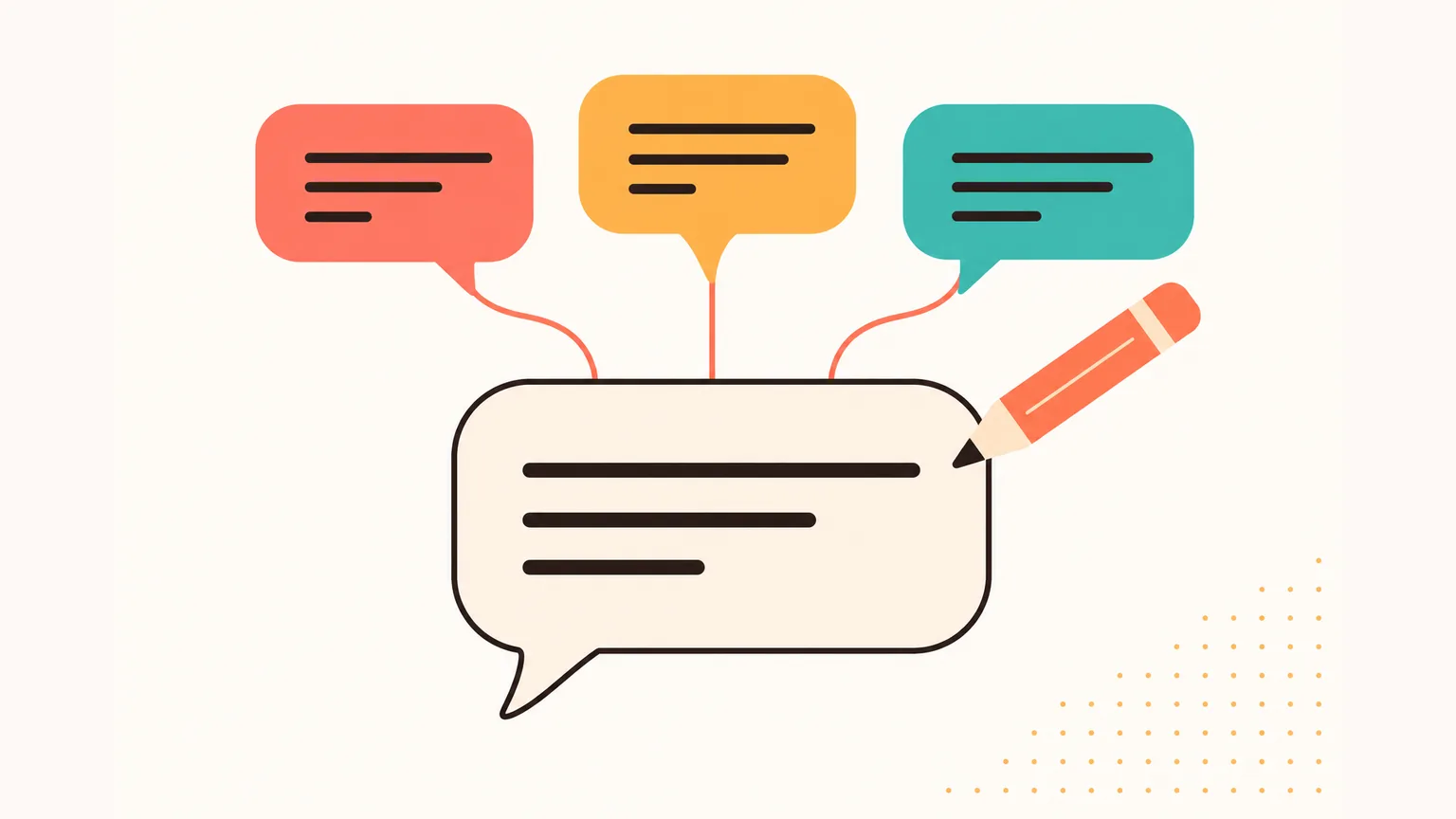
How do I get AI to help me write a WhatsApp message?
- Use WhatsApp's own Writing Help — tap the new pencil icon that appears while you're drafting a message in a 1:1 or group chat. It's English-only in select countries. Writing Help is built on Private Processing, and Meta says Writing Help and its suggestions aren't read by Meta or WhatsApp.
- If you don't see Writing Help, it hasn't rolled out to your language or country yet. The feature is also off by default and can be excluded from specific chats via Advanced Chat Privacy.
- If you need writing help in another language, with translation into your contact's language, or with reply drafts that take the whole chat into account — a separate app alongside WhatsApp (like Aivi) does that: it drafts a reply that fits the chat, lets you change tone with one tap, and nothing goes out without you.
What WhatsApp AI Writing Help actually does
WhatsApp's Writing Help is a feature from Meta that suggests rewrites of a message you're drafting. It was announced on the official WhatsApp blog on 27 August 2025 and runs through what Meta calls Private Processing.
According to WhatsApp, the feature suggests rewrites in a few styles — plus a plain rephrase of your draft and a proofreading pass:
- Rephrase — the same message, said differently.
- Professional — a tone fit for work and formal replies.
- Funny — a lighter, more playful version.
- Supportive — a kinder, more reassuring take.
- Proofread — spelling and grammar on your text.
On privacy. Meta says Writing Help is built on Private Processing — what Meta describes as a confidential-compute setup meant so that neither Meta nor WhatsApp reads the message or the suggested rewrites. WhatsApp states that Writing Help and Message Summaries are optional and off by default.
Writing Help is not Meta AI. Meta AI inside WhatsApp is a separate chatbot you talk to in its own chat (and can mention with @Meta AI in groups). Writing Help works on the message you are typing in a 1:1 or group thread.
How to use it (step by step)
If Writing Help is live for your account, you don't dig through settings — you just start typing. Three steps:
- Start drafting a message in a 1:1 or group chat on WhatsApp.
- Tap the new pencil icon that appears while drafting (TechCrunch reported in March 2026 that the entry point can also sit in the stickers menu in the compose area, leading to a pencil icon marked with sparkles).
- Pick a style — professional, funny, supportive or rephrased — or ask it to proofread your text.
Where Writing Help is available (and where it isn't)
As of October 2026, WhatsApp has publicly announced Writing Help in English, starting with the United States and several other countries. WhatsApp hasn't published the full country list.
A confirmed expansion of WhatsApp AI writing assistance to other languages hasn't been publicly announced at the time of writing — WhatsApp said back in August 2025 that it hoped to add more languages and countries later.
Private Processing itself is off by default. Specific chats can be excluded from AI features entirely via Advanced Chat Privacy — switch it on inside a chat's info screen and that conversation stops being eligible for Writing Help or any other Private Processing feature.
March 2026 update. TechCrunch reported that WhatsApp expanded the feature with AI-powered suggested replies based on your conversations — not just rewriting your own draft, but drafting a response you can send. WhatsApp said the chats remain private even when Writing Help is used.
What to do if you don't have Writing Help on your WhatsApp
Most people reading about Writing Help don't have it yet. If the pencil icon never shows up while you type, you have three honest options for WhatsApp AI writing tools right now:
- Wait. WhatsApp has said it wants to add more languages and countries. No date — if your language and country aren't English and the US (plus a few others), it may be a while.
- Use in-chat bots. Business accounts you can message like a contact. They only see the thread between you and that specific business, not your private chats — fine for a one-off reply polish, limited for everyday use.
- Use an assistant app alongside WhatsApp. A separate app on your phone (like Aivi) that connects through WhatsApp's Linked Devices and helps with your own chats: translation both ways, reply drafts that fit the chat, calendar and reminders.
Each has a different trade-off. The first costs nothing and may never come. The second only works where a business put a bot in place. The third is the broadest — here's what it looks like with Aivi.
AI writing in any language, any tone — the Aivi way
Aivi is a separate app for iPhone and Android that works alongside your WhatsApp conversations. It doesn't join your chats, doesn't reply to people on its own, and nobody in your chats can see it. WhatsApp stays on your phone as usual — Aivi connects to it as a linked device, like WhatsApp Web.
One thing to be clear about. Aivi doesn't turn on WhatsApp Writing Help for you, and it doesn't need Writing Help — it works separately, as a linked device. Same job (help you write a message), different route.
Replies that fit the chat
Aivi reads the conversation, so the draft answers what was actually asked.
Fix and polish your text
Make it shorter, friendlier or more formal, or fix spelling and grammar — just ask.
Write in any language
Draft in your language and send in your contact's — Aivi translates as it writes.
You hit send
Aivi never sends anything on its own. Every message goes out only when you send it.
Tone and style, one tap. Right where you type a message, Aivi has quick style and tone buttons — Rephrase, Professional, Fun, Supportive, Assertive, plus tones (Neutral, Polite, Friendly, Formal, Confident). One tap rewrites your draft; nothing is sent.
One more thing people usually miss. Aivi can even call you to remind you about an event you added from a chat — not just a push.
WhatsApp Writing Help vs in-chat bots vs an over-WhatsApp assistant
Three ways to get a WhatsApp AI writing assistant working with your chats today. Row by row — what each option does for you right now.
| Feature | WhatsApp Writing Help | In-chat bots | Over-WhatsApp (Aivi) |
|---|---|---|---|
| Lives in WhatsApp | Yes | Yes (as a contact) | No (separate app) |
| Needs feature in country | Yes (English, limited) | No | No |
| Translates for recipient | No | Varies | Yes |
| Reply drafts from chat | Yes (Mar 2026) | No | Yes |
| Calendar & reminders | No | Varies | Yes |
| Price | Free in WhatsApp | Varies | $9.99/mo (US) |
Short version. WhatsApp's own feature is the right answer if it's live for your language and country. An over-WhatsApp assistant like Aivi is the broader category — translation to your contact's language, reply drafts from the full chat, and calendar on top. More on the reply side in our note on WhatsApp AI reply drafts that fit your chat.
How Aivi helps you write in WhatsApp — in three steps
- Install Aivi from the App Store or Google Play.
- Link WhatsApp yourself through WhatsApp's own Linked Devices feature — the same one WhatsApp Web uses. You start linking in the Aivi app and finish it yourself in WhatsApp on your phone. Aivi never asks for your WhatsApp password or SMS code.
- Draft a reply, review it, send it Open your WhatsApp chat inside Aivi and write a draft — Aivi suggests a reply that fits the chat, lets you change tone with one tap, and nothing goes out without you.
Incoming messages arrive in your language; your replies go out in theirs. The other person doesn't need any app. If you want the longer tour of how an over-WhatsApp assistant sits next to your chats, see our personal AI assistant for WhatsApp note.
Private by design
A WhatsApp writing assistant touches sensitive ground. The short checklist for Aivi:
- Aivi never asks for your WhatsApp password or SMS code.
- Your messenger passwords never reach our servers.
- Aivi doesn't keep an archive of your messages — your chats stay on your phone.
- Aivi never sends anything without you — it only drafts.
- Unlink anytime — in WhatsApp under Linked Devices, in Telegram under Devices.
Frequently asked questions
How do I get AI to help me write a WhatsApp message?
If WhatsApp Writing Help is live for your account, start typing in any 1:1 or group chat and tap the pencil icon that appears while drafting — pick a style (professional, funny, supportive, rephrased) or ask it to proofread. If you don't see the pencil, Writing Help hasn't reached your language or country yet. In that case, an over-WhatsApp assistant like Aivi gives you reply drafts, tone changes and translation inside your chats, without replacing WhatsApp.
How do I turn on AI in WhatsApp?
For WhatsApp AI message writing help, there is no on/off switch to toggle it on — if the feature is available for you, the pencil icon simply appears while you draft a message. Private Processing is off by default and lives in Settings. Specific chats can be excluded from any AI feature via Advanced Chat Privacy in that chat's info screen. If none of this is visible on your phone, the feature hasn't rolled out to your language or country.
Can you help me write a WhatsApp message?
Yes — that's Aivi. You link your WhatsApp through its official Linked Devices feature, and Aivi drafts replies in your chats, fixes and polishes your text, and can write in your contact's language. You review every draft and send it yourself — Aivi never sends anything on its own.
Which AI can I use in WhatsApp?
Two things from Meta: Meta AI (a chatbot you talk to in its own chat, or mention with @Meta AI in groups) and WhatsApp Writing Help (the rewrite/proofread suggestions that appear in the message input). OpenAI's ChatGPT, which could be messaged in WhatsApp as a contact, was discontinued in January 2026 and has no official WhatsApp presence as of October 2026. For translation and reply drafts tied to your actual chats, an assistant app alongside WhatsApp (like Aivi) is the practical option.
Is WhatsApp AI Writing Help free?
Yes — it's a free part of WhatsApp where it's rolled out, built on Private Processing. There's nothing to pay for on WhatsApp's side. Aivi is a separate app that costs $9.99 a month on the standard plan in the US; prices vary by country, and the price is always shown in the app before you pay. Aivi is free to download and try.
Does WhatsApp Writing Help work on Android?
WhatsApp Writing Help on Android isn't limited by platform — the pencil icon can appear on both iOS and Android where the feature is rolled out. The real limits are language and country: as of October 2026, WhatsApp has announced it in English, starting with the United States and several other countries. If you don't see the icon on your Android phone, the feature hasn't reached your language or country yet.
Can I ask Aivi to rephrase my message?
Yes. Ask Aivi to correct spelling and grammar or to make a message shorter, more polite or more formal, and it rewrites the draft. Right in the compose area there are quick style and tone buttons — Rephrase, Professional, Fun, Supportive, Assertive, plus tones like Neutral, Polite, Friendly, Formal and Confident. One tap rewrites your draft; nothing is sent.
How much does Aivi cost?
Aivi is free to download, and you can try it right away. Ongoing use of the assistant needs a subscription — the standard plan is $9.99 a month in the US, prices vary by country, and you always see the price in the app before you pay.
- WhatsApp Blog — Get the tone of your message right with private Writing Help (27 Aug 2025)
- TechCrunch — WhatsApp's new AI feature lets you rephrase and adjust the tone of your messages (27 Aug 2025)
- TechCrunch — WhatsApp can now draft AI-generated responses based on your conversations (26 Mar 2026)
- WhatsApp Help — About writing help
Aivi is an independent app by ZPOOL FZCO and is not affiliated with, endorsed or sponsored by WhatsApp, Meta or Telegram. WhatsApp and Telegram are trademarks of their respective owners. Product details as of October 24, 2026.