
WhatsApp Is Testing AI Message Summaries Across Multiple Chats: What's Coming and How to Get It Today
WhatsApp is testing AI message summaries across multiple chats — one tap at the top of your Chats tab, one recap of everything you haven't read, prepared through Meta's Private Processing. It's in development on iOS and Android, with no release date. The piece that is live today is narrower: Message Summaries inside a single chat, rolling out since June 2025, starting with English in the US. Here's what's coming, what's already there, how to turn it on or off, and how to get a real recap of your WhatsApp day right now — with Aivi.
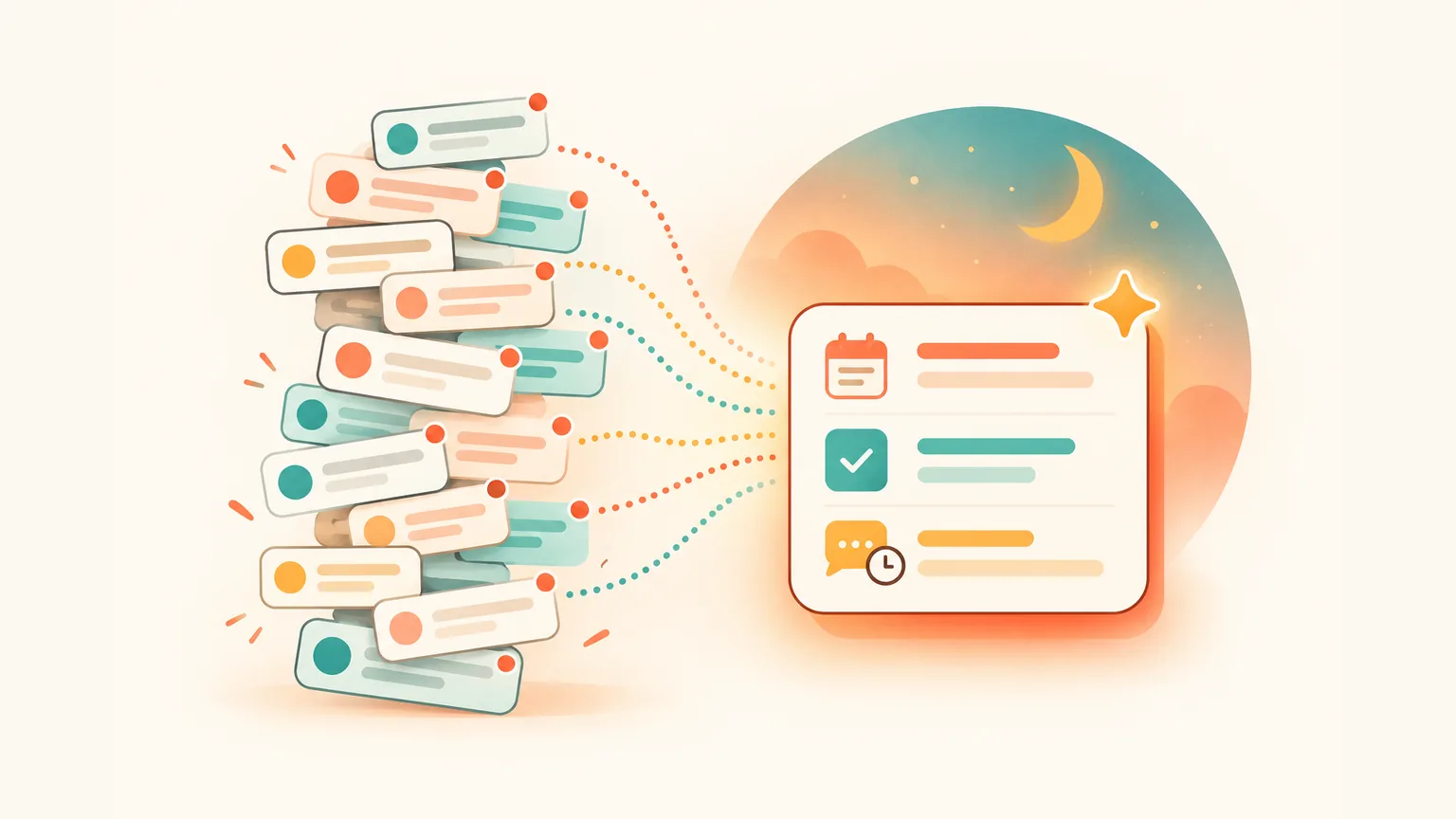
What is WhatsApp testing — and how do I get a WhatsApp chat recap today?
- Multi-chat AI summaries are in testing. With the Unread filter on, a Get a summary button appears at the top of the Chats tab — one AI recap of unread messages across several chats, through Meta's Private Processing. In development on iOS and Android (9to5Mac, WABetaInfo), no release date. If you see Get a summary above your unread chats, you have it; if not, it hasn't reached you yet.
- Already live for a single chat. Message Summaries let you tap a summary option above your unread messages in one chat — rolling out since June 2025, starting with English in the US (WhatsApp blog). For a recap of your whole WhatsApp day — with meetings, tasks and replies due you can act on — use Aivi.
What WhatsApp is testing: an AI summary across your unread chats
Here's the test, straight. A Get a summary button at the top of the Chats tab, visible when the Unread filter is on. One AI recap of unread messages pulled from several chats at once, prepared through Meta's Private Processing.
Reported in April 2026 by WABetaInfo and 9to5Mac — in development for iOS and Android. No release date yet.
Rule of thumb. If you see Get a summary above your unread chats, you have the test. If you don't, it hasn't reached your phone yet.
How to get summary of unread messages in WhatsApp (single chat, live today)
Message Summaries is the version WhatsApp has already shipped: Meta AI can summarize unread messages in one chat at a time, through Private Processing. Rolling out since 25 June 2025 (WhatsApp blog).
- Open a chat with several unread messages.
- Tap the summary option shown above your unread messages.
- A short recap appears — only you see it; the other participants aren't notified.
Where it works. English first, starting with the United States. WhatsApp has said more languages and countries will follow, without naming dates. Availability depends on your country and language — if you don't see it, it hasn't reached you yet.
What it won't do. Go beyond your unread messages, turn a plan into a calendar event, or recap several chats at once — that last part is what the multi-chat test is for.
How do I stop the AI summary in WhatsApp? (And how to turn it on)
Off by default. Message Summaries is optional — it summarizes a chat only when you tap the summary option, and the other participants never learn you asked for a recap.
To switch it off for your account, open Settings → Chats → Private Processing and turn Message summaries off. If the feature hasn't reached you yet, you may not see the toggle at all.
To block a single conversation from any AI feature, open that chat's info screen and turn on Advanced Chat Privacy — the chat stops being eligible for Meta AI and for the summaries.
- Fully disable: Settings → Chats → Private Processing → Message summaries off.
- Per chat: chat info → Advanced Chat Privacy on.
Can WhatsApp AI read my chats? What Private Processing actually means
Meta says neither Meta nor WhatsApp can see your messages or the summary. Message Summaries runs through what Meta calls Private Processing — a confidential-compute system built for exactly that.
That's Meta's architecture claim. End-to-end encryption stays intact, other participants aren't told you asked for a summary, and Advanced Chat Privacy on a specific chat keeps it out of these AI features entirely.
Can WhatsApp summarize chats using AI without exposing them? Meta's answer is yes, via Private Processing. If you want a harder guarantee for a particular conversation, Advanced Chat Privacy is the block — the chat never enters any AI feature.
The limits of WhatsApp's built-in summaries
Even once the multi-chat test ships, there are things the WhatsApp AI summary won't do — because it's a recap, not an assistant.
- Only unread messages. The single-chat recap works on what you haven't read yet.
- Recap, not action. 'See you Friday at 11' stays a sentence in the summary. It doesn't become an event in your calendar.
- No reply tracking. You still scroll back to find out who asked you something days ago and never got an answer.
- Country and language gated. English first, more to come without dates. Availability depends on your country and language.
- Multi-chat is still a test. Only the single-chat version is live today — no date for the rest.
How to get a WhatsApp overview today — meet Aivi
Aivi is a separate app for iPhone and Android. It works on top of your WhatsApp and Telegram — you link WhatsApp yourself through its official Linked Devices feature. Aivi never asks for your WhatsApp password or SMS code.
Where WhatsApp's own feature summarizes one chat on tap, Aivi runs on your day. It pulls the WhatsApp conversations that actually touched you into a single evening recap — with cards you can act on.
Evening recap. A notification arrives in the evening. Tap it — Aivi shows what happened across your WhatsApp day: what was discussed, what was agreed. Personal and work chats in full; from groups, only the parts that involved you — where you wrote, were mentioned, or got a reply. A WhatsApp AI summary for group chats, minus the noise.
Below the recap, cards sit in the assistant feed — meeting → add to calendar, task, someone's waiting on your reply. One tap adds the event or saves the task, linked back to the chat it came from. Tap a card to jump straight into the conversation.
Voice notes are included. Aivi transcribes the day's voice messages and folds them into the recap. Before suggesting an event, Aivi cross-checks your calendar — so you don't end up with duplicates.
Evening recap of your WhatsApp day
One read of what was discussed and what was agreed. Personal and work chats in full; from groups, only the parts that involved you.
Meetings → calendar, one tap
'See you Friday 11:00' turns into a card. Tap once to add the event — Aivi checks your calendar for duplicates first.
Assistant recap on demand
Open Aivi's assistant and ask for an overview. Aivi walks through your recent active chats and voice notes and tells you what's going on.
Morning plan
Each morning, the day's meetings and tasks in one place — including the ones you added from last night's recap.
Single-chat recap on request. Open a specific chat and ask Aivi for a recap — same assistant, narrower scope. Handy when a group blew up overnight and you only want the gist of that one.
How to start with Aivi
Three steps once. After that, the evening recap and the morning plan arrive on their own, and the overview is there whenever you ask.
- Install Aivi from the App Store or Google Play, sign in with Apple or Google.
- Link WhatsApp yourself through WhatsApp's official Linked Devices feature. Aivi never asks for your WhatsApp password or SMS code.
- Allow notifications so the evening recap can reach you. In the evening, tap it and your WhatsApp day arrives as a recap with meetings, tasks and replies due.
WhatsApp Message Summaries vs the multi-chat test vs Aivi
Three jobs, three tools. Row by row — what each option does for you right now, as of October 2026.
| Situation | WhatsApp Message Summaries | Multi-chat summary (test) | Aivi |
|---|---|---|---|
| What it covers | One chat at a time | Several unread chats | Your WhatsApp day |
| Multiple chats | No | Yes, in testing | Yes |
| Voice notes | Not stated | Not stated | Transcribed, included |
| Meetings → calendar | No — recap only | No — recap only | Yes — one tap per card |
| Who's waiting | Not surfaced | Not surfaced | Shown as a card |
| Availability | Rolling out, English first | In test, no date | iOS and Android, now |
Short version. WhatsApp's built-in Message Summaries catches you up on one chat on tap; the multi-chat test will do that across several chats when it ships; Aivi turns the whole WhatsApp day into a plan — with cards for meetings, tasks and replies due.
Privacy — what to check before you add any AI summary tool
An AI that touches WhatsApp is sensitive by definition. The checklist worth running before you install anything:
- No password, no SMS code. Aivi never asks for your WhatsApp password or SMS code — you link WhatsApp yourself through its official Linked Devices feature. Your messenger passwords never reach our servers.
- No archive on a server. Aivi keeps no archive of your messages. Your chats stay on your phone.
- You stay in control. Aivi never sends anything without you; nothing is posted into group chats; the group doesn't see Aivi. Unlink any time in WhatsApp → Linked Devices, Telegram → Devices.
Where the AI runs. WhatsApp's summaries run through Meta's Private Processing. Aivi's recaps are prepared by AI services — a different trade-off: WhatsApp keeps the summary inside Meta's confidential-compute pipeline; Aivi reaches further (your whole day, meetings, tasks, voice notes), but relies on AI services to do it.
Related reads: AI Assistant for WhatsApp: a day with Aivi in your chats and WhatsApp Assistant: which ones actually work with your chats.
Frequently asked questions
How do I stop the AI summary in WhatsApp?
Open Settings → Chats → Private Processing and turn Message summaries off — that disables the feature for your account. To block one specific chat from any AI feature, open its info screen and turn on Advanced Chat Privacy. Message Summaries is off by default anyway, and the other participants aren't notified when you use it.
Can WhatsApp AI read my chats?
Meta says no. Message Summaries runs through Private Processing, a confidential-compute layer designed so that neither Meta nor WhatsApp can see the messages or the generated summary. End-to-end encryption stays intact, other participants aren't told you asked for a recap, and Advanced Chat Privacy on a chat keeps it out of the AI features entirely.
Can WhatsApp summarize chats using AI?
Yes, for one chat at a time. Open a chat with unread messages and tap the summary option shown above the unread section — a short AI recap appears, only you see it. A Get a summary button that covers several chats at once (with the Unread filter on) is in testing on iOS and Android, reported by WABetaInfo and 9to5Mac in April 2026. No release date.
How to get summary of unread messages in WhatsApp?
In one chat: open the chat and tap the summary option shown above your unread messages. Across several chats: switch the Chats tab to the Unread filter and look for a Get a summary button — if you see it, you have the test; otherwise, it hasn't reached you yet. Availability depends on your country and language; English and the US came first.
When will WhatsApp's multi-chat AI summary roll out?
No date. WABetaInfo and 9to5Mac reported the test in April 2026, and WhatsApp hasn't announced a release. Features in testing usually reach small groups first, so if you see Get a summary above your unread chats, you have it.
Does Aivi work with Telegram too?
Yes — Aivi works on top of both WhatsApp and Telegram: translation both ways, reply drafts in your tone and reminders from your chats work in both. The evening recap described here covers your WhatsApp day. Telegram you add through its official sign-in — the code comes from Telegram itself.
Is Aivi free?
Aivi is free to download and try. Ongoing use needs a subscription — $9.99 a month on the standard plan in the US; prices vary by country, and you always see the price in the app before you pay. WhatsApp's own Message Summaries is free when it reaches your account.
Does Aivi read my WhatsApp chats?
Aivi works on top of your WhatsApp through its official Linked Devices feature. Aivi never asks for your WhatsApp password or SMS code — your messenger passwords never reach our servers. Your chats stay on your phone, Aivi keeps no archive, and Aivi never sends anything without you. The recaps and cards are prepared by AI services. Unlink any time in WhatsApp → Linked Devices.
Aivi is an independent app by ZPOOL FZCO and is not affiliated with, endorsed or sponsored by WhatsApp, Meta or Telegram. WhatsApp and Telegram are trademarks of their respective owners. Product details as of October 23, 2026.