
WhatsApp AI Summary: How to Summarize Unread Messages on iPhone and Android (2026)
Looking for WhatsApp AI summary? As of October 2026 there's one AI summary feature that WhatsApp itself ships: Message Summaries — a short, AI-generated recap of unread messages in a single chat, prepared through Meta's Private Processing. It's rolling out in waves since 25 June 2025, starting with English in the United States, and it covers one conversation at a time. For a recap that covers your whole WhatsApp day across chats — with meetings, tasks and replies due you can act on — the category you're looking at is an assistant app alongside WhatsApp, like Aivi.
How do I get an AI summary in WhatsApp?
- WhatsApp has one AI summary feature today — Message Summaries. It recaps unread messages in a single chat on tap. Rolling out since 25 June 2025, starting with English in the US; off by default; prepared through Meta's Private Processing.
- To turn it off: Settings → Chats → Private Processing → Message summaries off; or, for a single conversation, open that chat's info and turn on Advanced Chat Privacy.
- For a recap across your whole WhatsApp day — meetings, tasks, replies due — use an assistant app alongside WhatsApp like Aivi. WhatsApp also has a multi-chat test in development (`Get a summary` on the Chats tab, Unread filter on) — see our write-up on multi-chat summaries.
What is WhatsApp AI Summary?
Message Summaries is Meta's in-chat recap of unread messages in a single conversation. It launched on 25 June 2025, English in the US first, and runs through Meta's Private Processing — a confidential-compute system Meta describes as built so that neither Meta nor WhatsApp can see your messages or the generated summary.
What it does for you: a short recap of the unread messages in one chat, on tap. Only you see it; the other participants aren't notified that you asked for a summary.
Availability. English first, more languages and countries to follow — Meta hasn't named dates. Whether you see it depends on your country, language and account. If the summary option doesn't appear anywhere, Meta hasn't enabled it for you yet.
How to use Message Summaries in WhatsApp (iPhone and Android)
In supported countries, Message Summaries is off by default — it summarises a chat only when you tap the summary option shown above your unread messages in that chat.
- Open a chat with several unread messages (in supported countries).
- Tap the summary option shown above your unread messages.
- A short AI recap appears — only you see it; the other participants aren't notified.
The steps are the same on iPhone and Android — Meta AI's Message Summaries is a WhatsApp feature, not a phone-level one, and in 2026 both platforms show the summary option in the same place.
Message Summaries is off by default. There's no account-wide 'turn on AI' switch — the feature activates by tapping the summary option in a chat that has unread messages. If you don't see the option anywhere, Meta hasn't enabled Message Summaries for your country or account yet.
How to turn off AI summary on WhatsApp
Open Settings → Chats → Private Processing and turn Message summaries off — that disables the feature for your account. To block one specific chat from any AI feature, open that chat's info screen and turn on Advanced Chat Privacy.
- Fully disable: `Settings → Chats → Private Processing → Message summaries off`.
- Per chat: `chat info → Advanced Chat Privacy on`.
Message Summaries is off by default anyway, and the other participants are not notified when you use it. If you don't see the Private Processing menu, the feature hasn't reached your account yet — nothing to turn off.
If you've installed Aivi and want to unlink it from WhatsApp, that's a separate step: in WhatsApp → Linked Devices.
What Meta AI's chat summaries can and can't do
Meta AI's chat summaries are a recap, not an assistant that works with your chats.
- One chat at a time. Covers unread messages in a single chat you opened. A multi-chat test is still in development.
- Recap, not action. 'See you Friday at 11' stays a sentence in the summary. It doesn't become a calendar event.
- No reply tracking. The summary doesn't tell you who's still waiting for your answer.
- Country and language gated. English first; more to follow, without dates.
- Voice notes: not stated by Meta.
Beyond Message Summaries: an assistant that works with your WhatsApp day (Aivi)
Aivi is a separate app for iPhone and Android that works alongside your WhatsApp conversations. It doesn't join your chats, doesn't reply to people on its own, and nobody in your chats can see it. WhatsApp stays on your phone as usual — Aivi connects to it as a linked device, like WhatsApp Web.
Where WhatsApp's own Message Summaries recaps one chat on tap, Aivi runs on your WhatsApp day. It pulls the conversations that actually touched you into a single evening recap — with cards you can act on.
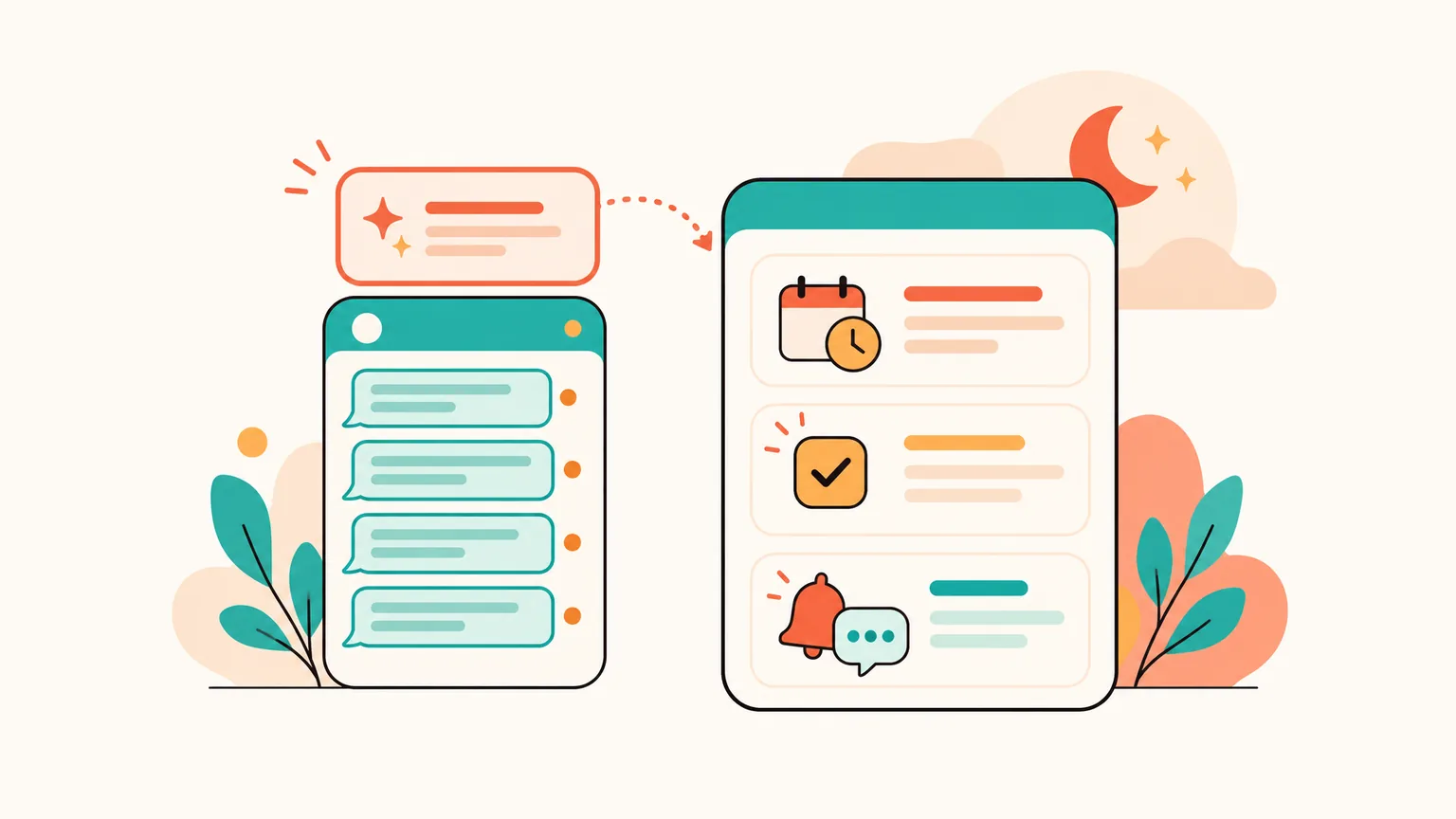
A notification arrives in the evening. Tap it — Aivi shows what happened across your WhatsApp day. Below the recap, cards sit in the assistant feed: meeting → add to calendar, task, someone's waiting on your reply.
Voice notes are transcribed and included. Before suggesting an event, Aivi cross-checks your calendar — so you don't end up with duplicates.
Evening recap of your WhatsApp day
One read of what was discussed and what was agreed. Personal and work chats in full; from groups, only the parts that involved you — where you wrote, were mentioned, or got a reply.
Single-chat recap on request
Open a specific chat and ask Aivi for a recap — same assistant, narrower scope. Handy when a group blew up overnight and you only want the gist of that one.
Assistant recap on demand
Open Aivi's assistant and ask for an overview. Aivi walks through your recent active chats and voice notes and tells you what's going on.
Morning plan
Each morning, the day's meetings and tasks in one place — including the ones you added from last night's recap.
Aivi can even call you to remind you about an event you added from a chat — not just a push.
Message Summaries, Aivi, and third-party AI summary apps — side by side
Six rows, three columns — one picture of how the three shapes differ as of October 2026.
| Feature | WhatsApp Message Summaries | Aivi | Third-party summary apps |
|---|---|---|---|
| Lives inside WhatsApp | Yes | No (separate app) | No (separate apps) |
| What it covers | One chat at a time | Your WhatsApp day + any single chat on request | One chat at a time |
| Voice notes | Not stated | Transcribed, included | Varies |
| Meetings → calendar | No | Yes, one tap per card | No |
| Who's waiting | Not surfaced | Shown as a card | Not surfaced |
| Where it runs | Meta's Private Processing | AI services (not E2EE with us) | Varies |
Privacy and safety
- Message Summaries runs through Meta's Private Processing. Meta says neither Meta nor WhatsApp can see your messages or the generated summary. End-to-end encryption between you and the other participants stays intact.
- Aivi never asks for your WhatsApp password or SMS code. You link WhatsApp yourself through its official Linked Devices feature — your messenger passwords never reach our servers.
- Aivi keeps no archive of your messages. Your chats stay on your phone.
- Aivi never sends anything without you. It only drafts a reply or a card; you decide what to send or add.
- You stay in control. Unlink Aivi any time in WhatsApp → Linked Devices, Telegram → Devices. For a specific chat, Advanced Chat Privacy keeps it out of Meta AI features including Message Summaries.
Where the AI runs — different trade-off: WhatsApp keeps the summary inside Meta's confidential-compute pipeline; Aivi's recaps are prepared by AI services, which reach further (your whole day, meetings, tasks, voice notes), but on different privacy ground.
Which one to pick
- If you only want to catch up on one chat you haven't opened WhatsApp's Message Summaries. Tap the summary option above the unread messages in that chat.
- If you want a recap of your whole WhatsApp day Install Aivi. Link WhatsApp through its official Linked Devices feature. In the evening, Aivi hands you a recap with meetings, tasks and replies due.
- If you want a specific chat recap on demand Both work: in WhatsApp, tap the summary option in that chat; in Aivi, ask the assistant for a recap of that chat. Aivi's version doesn't need unread messages — you can summarise what you've already read.
Frequently asked questions
How do I turn on AI in WhatsApp?
Meta AI (Meta's AI chat in WhatsApp) is on in supported countries by default — look for a Meta AI chat in your chats list. Message Summaries — the AI summary this article is about — is off by default: it turns on when you tap the summary option shown above unread messages in a chat. There isn't a single 'turn on AI' switch for WhatsApp; features activate as Meta enables them for your country and account.
How do I turn off AI summary on WhatsApp?
Open Settings → Chats → Private Processing and turn Message summaries off — that disables the feature for your account. To block one specific chat from any AI feature, open its info screen and turn on Advanced Chat Privacy. Message Summaries is off by default anyway, and the other participants aren't notified when you use it.
Can Meta AI summarize WhatsApp messages?
Yes, for one chat at a time. Open a chat with unread messages and tap the summary option shown above the unread section — a short AI recap appears, only you see it. A multi-chat version (`Get a summary` on the Chats tab with the Unread filter on) is in testing on iOS and Android, reported by WABetaInfo and 9to5Mac in April 2026. No release date.
How to get AI summary of chat?
In WhatsApp: open the chat and tap the summary option shown above your unread messages; the summary appears for you, not the others. If the feature hasn't reached your country or language, you won't see the option. For a summary that goes across your chats and the whole day — install Aivi.
Does WhatsApp have an AI summary feature?
Yes. Message Summaries was launched on 25 June 2025 for one chat at a time, through Meta's Private Processing, starting with English in the US. A multi-chat test (`Get a summary` on the Chats tab) is in development.
Does Aivi work with Android and iPhone?
Yes. Aivi is a separate app for iPhone and Android. It links to WhatsApp through WhatsApp's own Linked Devices feature, so WhatsApp stays on your phone as usual. Aivi also works with Telegram — you add it through its official sign-in, with the code sent by Telegram itself.
Does WhatsApp notify people when I use the AI summary?
No. Meta states that other participants are not notified when you ask for a Message Summary. Only you see the recap.
How much does Aivi cost?
Aivi is free to download, and you can try it right away. Ongoing use of the assistant needs a subscription — the standard plan is $9.99 a month in the US, prices vary by country, and you always see the price in the app before you pay. WhatsApp's own Message Summaries is free when it reaches your account.
Aivi is an independent app by ZPOOL FZCO and is not affiliated with, endorsed or sponsored by WhatsApp, Meta or Telegram. WhatsApp and Telegram are trademarks of their respective owners. Product details as of October 25, 2026.