
How to Translate WhatsApp Messages on iPhone (2026)
A tenant writes in Portuguese, a supplier in Arabic, a cousin in Hindi — and you want it on your iPhone, now. WhatsApp added a built-in Translate option in September 2025, and on iPhone it leans on Apple's on-device translation. The honest picture: how to translate WhatsApp messages on iPhone today, which languages Apple covers, why there's no auto-translate switch yet, what Live Translation in iOS 26 does and doesn't do, and where Aivi fills the gap.
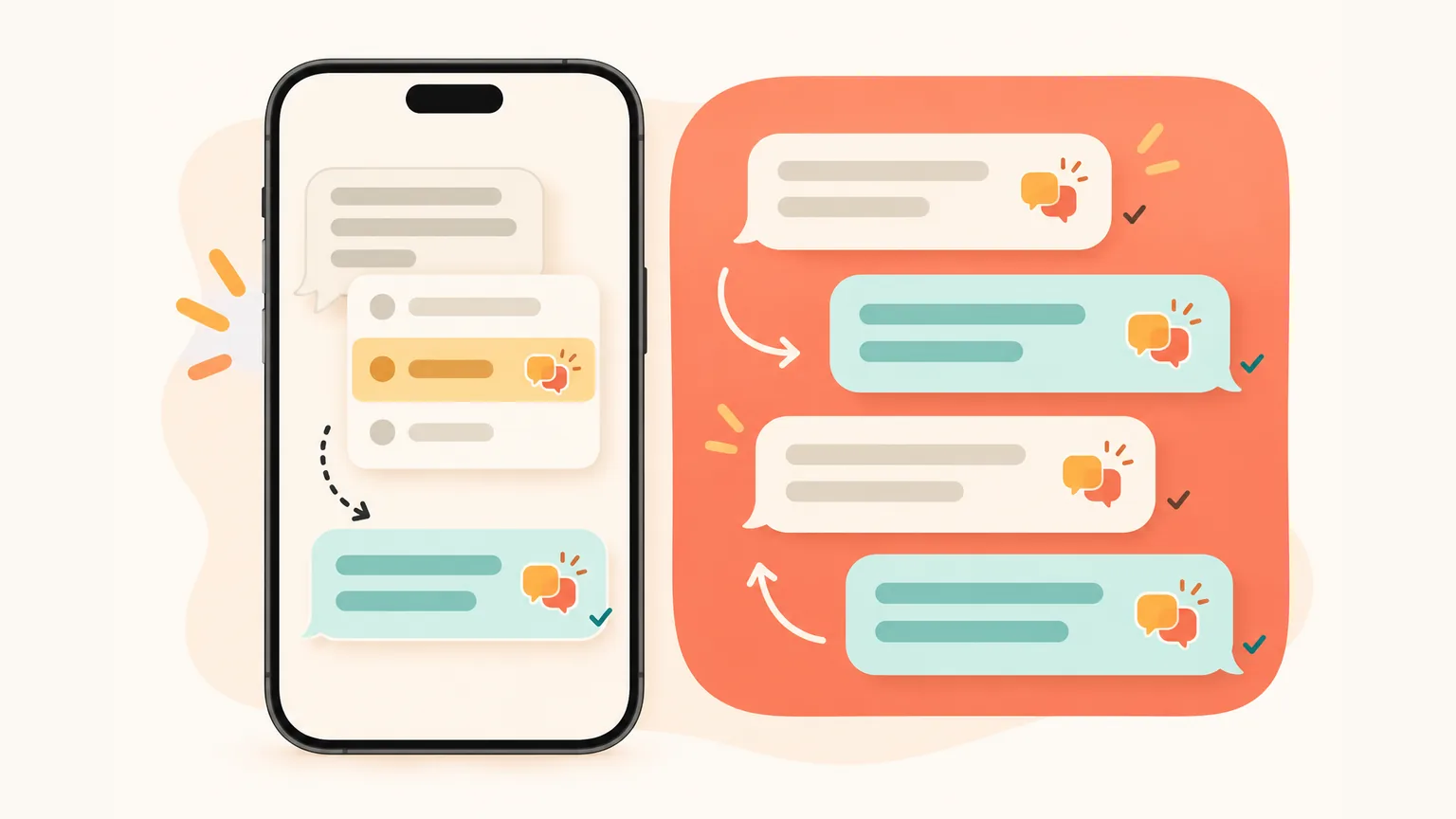
Can you translate WhatsApp messages on iPhone?
- Yes, one message at a time. Press and hold the message and tap Translate — on some versions it sits under More… → pick your language → download the Apple language pack once. Works in personal chats, groups and channels, rolling out worldwide since 23 September 2025 (WhatsApp blog).
- Whole-chat auto-translate on iPhone hasn't rolled out widely yet. A Translate messages switch per chat was spotted in a TestFlight beta in March 2026 (9to5Mac), with no release date. For the whole chat on iPhone and for replies in the sender's language — use Aivi.
How to translate one WhatsApp message on iPhone
The long-press menu is where WhatsApp's built-in translator for iPhone lives. One message at a time, one target language. The sender sees nothing.
- Open the chat and find the message in a language you don't read.
- Press and hold the message until the action menu appears.
- Tap Translate — on some WhatsApp versions it's tucked under More….
- Pick your language in the picker that opens.
- The first time, tap to download the language pack — a one-off per language.
- You see the translated text. Only you see it — the sender isn't notified.
Which languages work? Apple's list and language packs
Because iPhone relies on Apple's on-device translation, the language list is Apple's. Around 20 languages right now, and it can change with iOS updates.
As reported in March 2026, Apple's list includes Arabic, Dutch, English, French, German, Hindi, Indonesian, Italian, Japanese, Korean, Mandarin Chinese, Polish, Portuguese (Brazil), Russian, Spanish, Thai, Turkish, Ukrainian and Vietnamese.
If the message is in a language outside that list, iPhone won't translate it — a translator for WhatsApp on iPhone can only speak what Apple speaks.
- Language packs download on first use. The first time you translate from or to a language, iPhone fetches that pack once. After that, the language is ready on your phone.
- Packs live on your iPhone. You can manage them from the iPhone's settings for the Apple Translate app — the exact path may shift between iOS versions.
- No separate WhatsApp list. Whatever Apple adds to its translation languages next, WhatsApp's Translate on iPhone picks up automatically.
Why is my WhatsApp not showing the translate option?
Short answer: the feature is still rolling out, your WhatsApp or iOS is behind, or the sender's language isn't in Apple's translation list.
- Update WhatsApp in the App Store. The new menu item appears after an update, not in Settings.
- Update iOS. WhatsApp needs Apple's Translation API; older iOS versions don't have it.
- Check the sender's language. If it's not in Apple's list above, iPhone has nothing to translate with.
- No language pack yet. The first translation downloads a pack. If the download didn't finish, try again on a stable connection.
- Give it time. WhatsApp has been staging Translate across accounts since 23 September 2025 — some phones get it in week one, others wait.
How to auto translate on WhatsApp iPhone chats (status)
Not inside WhatsApp yet, for most people. On iPhone, the built-in Translate works one message at a time. There's no generally available switch to translate every new incoming message in a chat automatically.
A Translate messages toggle per chat was spotted in a WhatsApp TestFlight beta in March 2026 (9to5Mac) — new incoming messages would translate themselves, still on Apple's language packs. No release date.
Rule of thumb: if a chat's settings show a Translate messages switch, you have it; if not, it hasn't reached your phone yet.
On Android, whole-chat auto-translate has been there from launch — details in auto-translate on Android.
Why does WhatsApp not auto translate on iPhone?
Because on iPhone WhatsApp offers per-message translation for now. Automatic translation of a whole chat launched on Android first; on iPhone it's still in testing (see above). Until it rolls out to you, each message in another language needs its own long-press.
Does Live Translation on iOS 26 translate WhatsApp?
No, not as of October 2026. Live Translation in iOS 26 works inside Apple's own apps — Messages, FaceTime, Phone — and only on iPhones with Apple Intelligence (iPhone 15 Pro, the iPhone 16 and 17 lines, iPhone Air). Apple exposes an API for third-party apps, but there's no confirmation WhatsApp uses it, and Live Translation doesn't kick in inside WhatsApp.
If Live Translation inside WhatsApp is what you were looking for — it's not there. Stick with the long-press Translate for one-offs, or use Aivi for the whole chat and the reply side.
Fallback: Apple Translate or Google Translate by copy-paste
If the message is outside Apple's list, or WhatsApp still hasn't surfaced Translate, there's a manual workaround — a copy-paste bridge, not a built-in feature.
- Long-press the message in WhatsApp → Copy.
- Open Apple Translate or Google Translate.
- Paste the text, pick the languages, read the translation.
- To reply, type your answer in the translator, copy the result, paste back into WhatsApp.
It works. It's also several steps per message, every time, in both directions. For one or two messages — fine. For a running chat — tiring.
How to reply so the sender gets your message in their language
This is the awkward half of WhatsApp's built-in translation on iPhone. Translate translates what you read; your replies go out in whatever language you typed them in. Three ways around it:
- Use Apple Translate, write the answer there, copy and paste into WhatsApp. Round-trip, but it works.
- Agree on English with your chat partner — handy if they can also translate on their side.
- Use Aivi: set the chat's language once; from then on you type in your language and your reply goes out in theirs.
What about voice notes on iPhone?
WhatsApp's built-in Translate is a text feature on iPhone — it doesn't translate voice notes. A 40-second message in Portuguese stays untouched.
If voice notes in another language are a regular thing in your chats, that's where Aivi helps — it transcribes the clip and shows the text in your language.
Aivi: every WhatsApp chat on iPhone in your language, replies in theirs
Aivi is a separate app for iPhone and Android. It works on top of your WhatsApp and Telegram — you link WhatsApp yourself through its official Linked Devices feature.
It's a different trade-off from the built-in translator: WhatsApp's built-in translation on iPhone runs on your phone through Apple's translation; Aivi uses AI services to translate — so it reaches languages beyond Apple's list and handles the reply side too.
The payoff — Aivi doesn't depend on WhatsApp's iPhone rollout, isn't limited by Apple's language list, works the same on both phones, and sends your replies in the sender's language.
Your language by default, every chat
Flip a chat into your language once; every new incoming message arrives translated — no long-press, no taps.
Replies in their language
You type in your language. Aivi sends in the sender's — Spanish, Arabic, French, Hindi, Bengali and dozens more. Set once per chat.
Voice notes you can read
A voice note comes in, Aivi transcribes it and shows the text in your language. Tap to see the original text.
You link WhatsApp yourself
You link WhatsApp through its official Linked Devices feature. Aivi never asks for your WhatsApp password or SMS code. Your chats stay on your phone — Aivi keeps no archive. Unlink any time in WhatsApp → Linked Devices.
No translator app in the middle. No copy-paste. The landlord keeps writing in Portuguese, you keep thinking in English, both sides read the message in their language.
How to start with Aivi on iPhone
Three steps once; after that, every chat you've turned translation on for just works.
- Install Aivi on iPhone from the App Store, sign in with Apple or Google.
- Link WhatsApp yourself through WhatsApp's official Linked Devices feature. Aivi never asks for your WhatsApp password or SMS code.
- Turn on translation for a chat once — pick your language and theirs. From then on every new message arrives in your language, and every reply goes out in theirs.
WhatsApp Translate on iPhone vs Aivi — by situation
Different jobs. Each row below is a real situation; the last two columns say what each tool does for you right now.
| Situation | WhatsApp on iPhone | Aivi |
|---|---|---|
| One Spanish message | Press and hold → Translate → pick your language. One message at a time. | Already in your language, once translation is on for that chat. |
| Whole chat auto | Not widely available as of October 2026 — one message at a time. | Yes — turn it on once per chat, every new message arrives translated. |
| Replies to sender | Your reply goes out in whatever language you typed. | You type in your language; Aivi sends in theirs. |
| Voice note | Not covered — Translate is for text only. | Aivi transcribes it and shows the text in your language. |
| Rare language | Only works if it's on Apple's list (~20 languages). | Dozens of languages — not tied to Apple's list. |
Short version: built-in Translate handles the one message you just read, through Apple's on-device translator; whole-chat auto-translate hasn't rolled out widely; Live Translation in iOS 26 doesn't reach WhatsApp. Aivi closes the gaps — the whole chat in your language, replies in theirs, and voice notes you can read.
Privacy — what to check before you add any translator
A WhatsApp translator for iPhone touches private messages. Three things worth checking before you install anything:
- No password or SMS code. Aivi never asks for your WhatsApp password or SMS code — you link WhatsApp yourself through its official Linked Devices feature. Your messenger passwords never reach our servers.
- No archive on a server. Aivi keeps no archive of your messages; your chats stay on your phone.
- You stay in control. Aivi never sends anything without you. Unlink any time in WhatsApp → Linked Devices, Telegram → Devices.
The broader comparison of translator apps and browser extensions for WhatsApp sits separately: our WhatsApp translator guide.
Frequently asked questions
Can I translate WhatsApp messages on iPhone?
Yes, one message at a time. Press and hold the message, tap Translate (on some versions under More…), pick your language and download the Apple language pack once. Translation runs on your phone, the sender sees nothing, and end-to-end encryption stays intact. Rolling out worldwide since September 2025.
How do I turn on translate on WhatsApp?
On iPhone, you turn it on per message, not per chat: press and hold a message → Translate → pick your language. Make sure WhatsApp and iOS are up to date, and that the sender's language is in Apple's translation list (around 20 languages as of October 2026).
How do I turn on auto translate on my iPhone?
For most people, not inside WhatsApp yet as of October 2026 — iPhone translates one message at a time. A Translate messages switch per chat was seen in a WhatsApp TestFlight beta in March 2026, with no release date. If a chat's settings show that switch, you have it; otherwise, use Aivi to translate every new message in a chat automatically.
Why is my WhatsApp not showing the translate option?
Three usual causes: the feature is still rolling out to your account; your WhatsApp or iOS is out of date; or the sender's language isn't in Apple's translation list on iPhone. Update WhatsApp in the App Store, update iOS, and try the long-press menu again.
Why does WhatsApp not auto translate?
On iPhone, WhatsApp offers per-message translation for now. Whole-chat auto-translate launched on Android; on iPhone it's being tested in beta and hasn't rolled out widely as of October 2026. Until then, each message needs its own long-press — or Aivi translates the whole chat for you.
Does Live Translation on iOS 26 translate WhatsApp?
No. Live Translation in iOS 26 works inside Apple's own apps — Messages, FaceTime and Phone — on iPhones with Apple Intelligence. Apple offers an API for third-party apps, but there's no confirmation WhatsApp uses it, and Live Translation doesn't kick in inside WhatsApp as of October 2026.
Is Aivi free?
Aivi is free to download and try. Ongoing use needs a subscription — $9.99 a month on the standard plan in the US; prices vary by country, and you always see the price in the app before you pay. WhatsApp's built-in Translate on iPhone is free.
Does Aivi need my WhatsApp password?
No. Aivi never asks for your WhatsApp password or SMS code — you link WhatsApp yourself through its official Linked Devices feature. Your messenger passwords never reach our servers, your chats stay on your phone, and Aivi keeps no archive. Unlink any time in WhatsApp → Linked Devices.
Aivi is an independent app by ZPOOL FZCO and is not affiliated with, endorsed or sponsored by WhatsApp, Meta or Telegram. WhatsApp and Telegram are trademarks of their respective owners. Product details as of October 20, 2026.