
WhatsApp Message Reminder Feature Not Showing or Not Working? (2026)
You saw someone set a reminder on a WhatsApp message in a video — bell icon, 2-hour nudge — and on your phone the option isn't there. Usually that isn't a bug or a deletion. WhatsApp rolls the feature out in waves, and on Web and Desktop it isn't shipped at all. Below: why you don't see it yet, and what you can actually do.
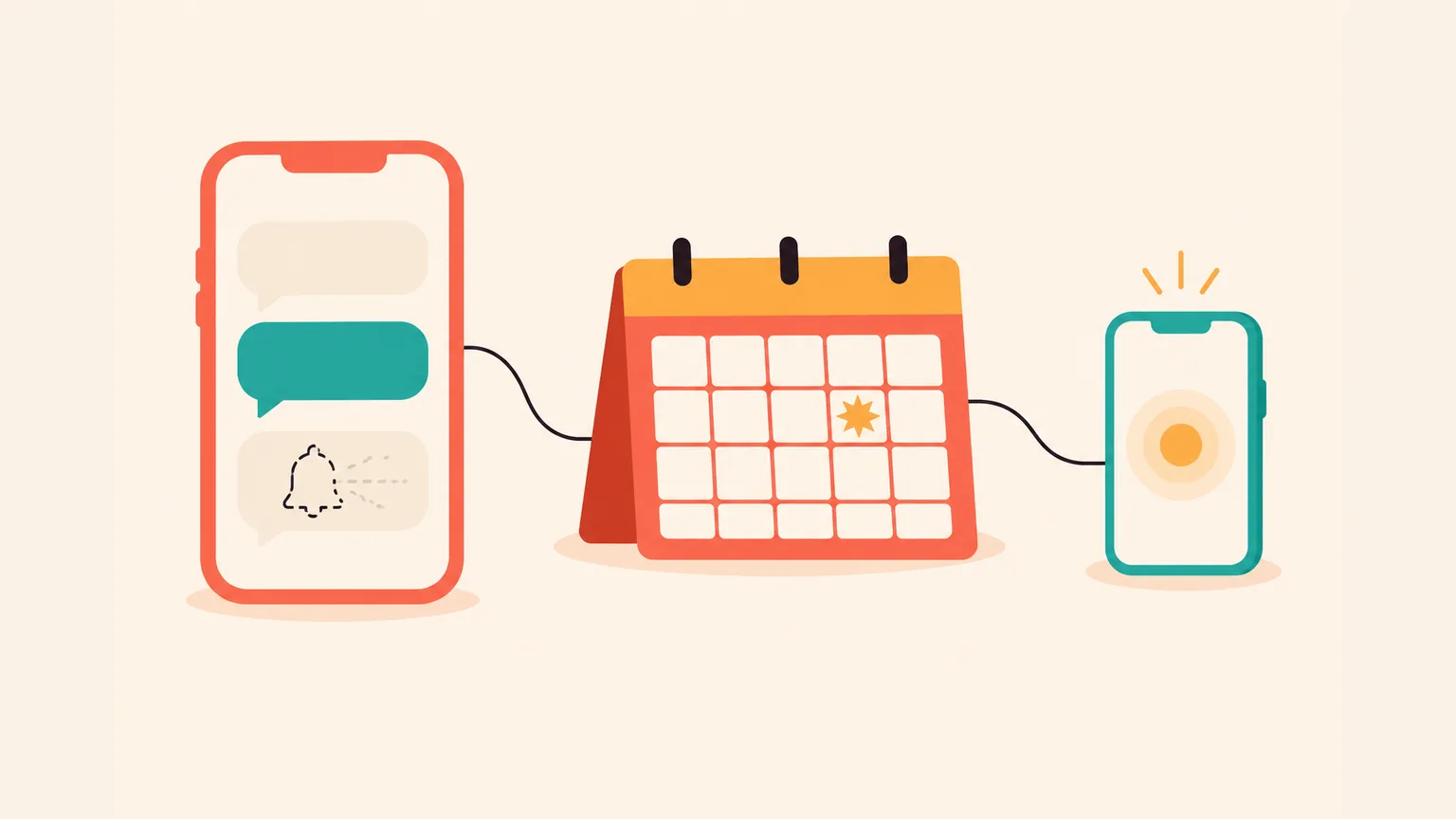
Why isn't the "Remind me" option showing up in your WhatsApp?
- Staged rollout. WhatsApp ships new features gradually, by region, version and even account — a video from July may show something your phone still doesn't have in October.
- Your WhatsApp is out of date. Update it in the App Store or Google Play; on older builds the menu entry simply isn't there.
- You're on WhatsApp Web or Desktop. As of October 2026, Remind me is on the mobile apps only — iPhone and Android. The web and desktop clients don't carry it.
- You long-pressed the wrong thing. Remind me lives on an individual message inside a chat (one-to-one or group), under long-press → More → Remind me.
What "Remind me" actually does on WhatsApp
The WhatsApp message reminder feature is a private self-nudge. You long-press a message in a chat, pick More → Remind me, then choose 2 hours, 8 hours, 24 hours, or a custom time. A bell icon marks the message. When the time comes, WhatsApp notifies you — only you, not the sender, not the group.
It launched in beta in July 2025, and WhatsApp has been rolling it out to the mobile apps since. On iPhone it reached the public app during 2025 and is widely available; on Android it rolled out through beta and public tracks.
It works in group chats too — the mechanic is the same, but only the person who sets the reminder gets the ping; the group hears nothing. A longer walk-through for groups: how to set a reminder in a WhatsApp group chat.
For the plain how-to on one-to-one chats, see how to set a reminder on WhatsApp.
Why you don't see it: four reasons
If you landed here searching for the WhatsApp message reminder feature and can't find it, nine times out of ten it's one of the four below. Only one of them is actually something to fix on your side.
Reason 1 — Staged rollout (it hasn't been removed)
WhatsApp rolls new features out gradually. Not everyone sees them at the same time, even on the same OS and in the same country. Their own help page on this is called "Not seeing a feature on WhatsApp" — a one-paragraph explanation of why your friend's app has something yours doesn't.
People on Reddit sometimes describe this as the "WhatsApp message reminder feature removed" — and that's where the confusion starts. There's no WhatsApp announcement removing Remind me.
A B2B vendor post from July 2026 still claimed WhatsApp ships no native reminder on iOS or Android, while the same month's teardown documents the feature live. Both can be true at once only if the rollout is uneven across devices and regions. It hasn't been pulled; it's being distributed.
Reason 2 — Your WhatsApp is out of date
Older builds don't carry Remind me yet. The fix is the plain one: open the App Store or Google Play, update WhatsApp, restart the app. Then long-press a message in any chat and check the More menu again.
Reason 3 — You're on WhatsApp Web or Desktop
This one trips up a lot of people. As of October 2026, Remind me isn't available on WhatsApp Web or Desktop at all — only on the mobile apps on iPhone and Android. If you long-press a message in the browser version or in the Mac/Windows client, the option simply isn't there.
If you want to set a reminder from your laptop session, you'll need to open WhatsApp on your phone and do it there. Right now mobile is where the feature lives, nowhere else.
Reason 4 — You long-pressed the wrong thing
Remind me sits on an individual message inside a chat — not on the chat row in the main list, not on a contact, not on a group header. Open the chat, press and hold a specific message, tap More, and look there.
How to check in 30 seconds
The path is the same on iPhone and Android — no separate steps per OS at this level.
If the message with the bell icon is gone from a conversation where you previously set a reminder, the reminder has already fired — the icon disappears once the ping has passed.
If it's still missing: get the reminder through your phone's calendar
If WhatsApp's Remind me hasn't reached your phone yet, you can still get a reminder for a plan from your chat — through your phone's calendar. Aivi is one way to do that; your calendar handles the reminder.
What Aivi does
Aivi is a separate app for iPhone and Android that works alongside your WhatsApp conversations — not inside WhatsApp. It spots a meeting or deadline in a chat and offers to add it to your calendar — one tap, your call.
Only you see Aivi's suggestion. The chat stays exactly as it was — no bot message, no new participant, no "Aivi has joined".
Where the reminder actually comes from
Aivi doesn't keep its own timer. When you say yes, the plan goes into your phone's calendar — your iPhone calendar on iOS, Google Calendar on Android. The reminder comes from the calendar, not from Aivi, and not from WhatsApp.
This matters here because your phone's calendar doesn't depend on a WhatsApp rollout. The notification is handled by iOS or Android, and it fires whether or not Remind me ever lands on your WhatsApp build.
How Aivi connects to WhatsApp
Link WhatsApp yourself through its official Linked Devices feature. Aivi never asks for your WhatsApp password or SMS code.
Not a bot in your chats
Aivi is a separate app, not a bot inside WhatsApp. It doesn't join your chats, doesn't reply to people on its own, and nobody in your chats can see it. WhatsApp stays on your phone as usual — Aivi connects as a linked device, like WhatsApp Web.
Group chats work on the same terms as one-to-one chats: if you're in the group, Aivi sees the group messages on your side. Nothing changes for the other participants.
Cost
Aivi is free to download. Ongoing use of the assistant needs a subscription — the standard plan is $9.99 a month in the US, and prices vary by country.
Four checks worth running on any WhatsApp assistant
Before you let an app sit next to your WhatsApp — Aivi or anything else — these four questions earn the connection. Aivi was built around them.
No WhatsApp password, ever
Aivi never asks for your WhatsApp password or SMS code — you link through WhatsApp's own Linked Devices feature.
Credentials stay off our servers
Your messenger passwords never reach our servers.
No archive of your messages
Aivi doesn't keep an archive of your messages — your chats stay on your phone.
Nothing sent without you
Aivi never sends anything without you. One tap on your side, every time.
A side note: WhatsApp's own policy on unofficial apps is direct — "These are altered versions of WhatsApp developed by third parties who violate our Terms of Service. If you don't switch to the official app, your account might be permanently banned." Any "reminder shortcut" that asks for a modded WhatsApp carries that risk.
Frequently asked questions
When did WhatsApp add Remind me?
It launched in beta in July 2025, and WhatsApp has been rolling it out gradually to the mobile apps since. Some phones have had it for over a year; others still don't. There's no public per-user schedule for who gets it next.
Is Remind me available on iPhone, Android, Web and Desktop?
Mobile only: iPhone and Android. On WhatsApp Web and Desktop it isn't available as of October 2026 — if you long-press a message in the browser or the Mac/Windows client, the option simply isn't in the menu. If you want to set one from your laptop session, do it on your phone instead.
Does Remind me work in group chats?
Yes — but only the person who set the reminder gets the ping. The group doesn't see anything, and the sender isn't notified either. For the group walk-through: how to set a reminder in a WhatsApp group chat.
Will Remind me come to my phone?
WhatsApp doesn't publish per-user rollout schedules. All you can do on your side is keep WhatsApp updated and check back. Their own help page on the pattern is "Not seeing a feature on WhatsApp" — one paragraph explaining that updates are rolled out gradually, not all at once.
My WhatsApp reminder isn't working and the bell icon is gone — what should I do?
If the Remind me option is missing or the WhatsApp reminder message gone from a chat where you expected it, run through the four reasons above: update WhatsApp, confirm you're on the mobile app (not Web or Desktop), and long-press a specific message. If the WhatsApp reminder message not working is still the picture after all that, you can set a reminder for the plan through your phone's calendar instead.
How much does Aivi cost?
Aivi is free to download, and you can try it right away. Ongoing use of the assistant needs a subscription: the standard plan is $9.99 a month in the US, prices vary by country, and you always see the price in the app before you pay.
Does Aivi need my WhatsApp password or SMS code?
No. Aivi never asks for your WhatsApp password or SMS code — you link it yourself in WhatsApp's Linked Devices menu. Your passwords never reach our servers.
Aivi is an independent app by ZPOOL FZCO and is not affiliated with, endorsed or sponsored by WhatsApp, Meta or Telegram. WhatsApp and Telegram are trademarks of their respective owners. Product details as of October 28, 2026.