
Telegram AI App: What It Means and How to Add AI to Telegram in 2026
Search for 'Telegram AI app' and the results pull in different directions: AI features Telegram added to itself in 2026, AI bots inside the official Telegram, Telegram clients made by other developers with AI on board, and separate apps on your phone — like Aivi — that help you across your Telegram chats through its official sign-in. Different jobs, different trade-offs. This guide sorts them out. There's no single app called 'Telegram AI' in the stores. If you type 'Telegram AI app' into the App Store or Google Play, you'll see a mix of all four — this is the four short answers.
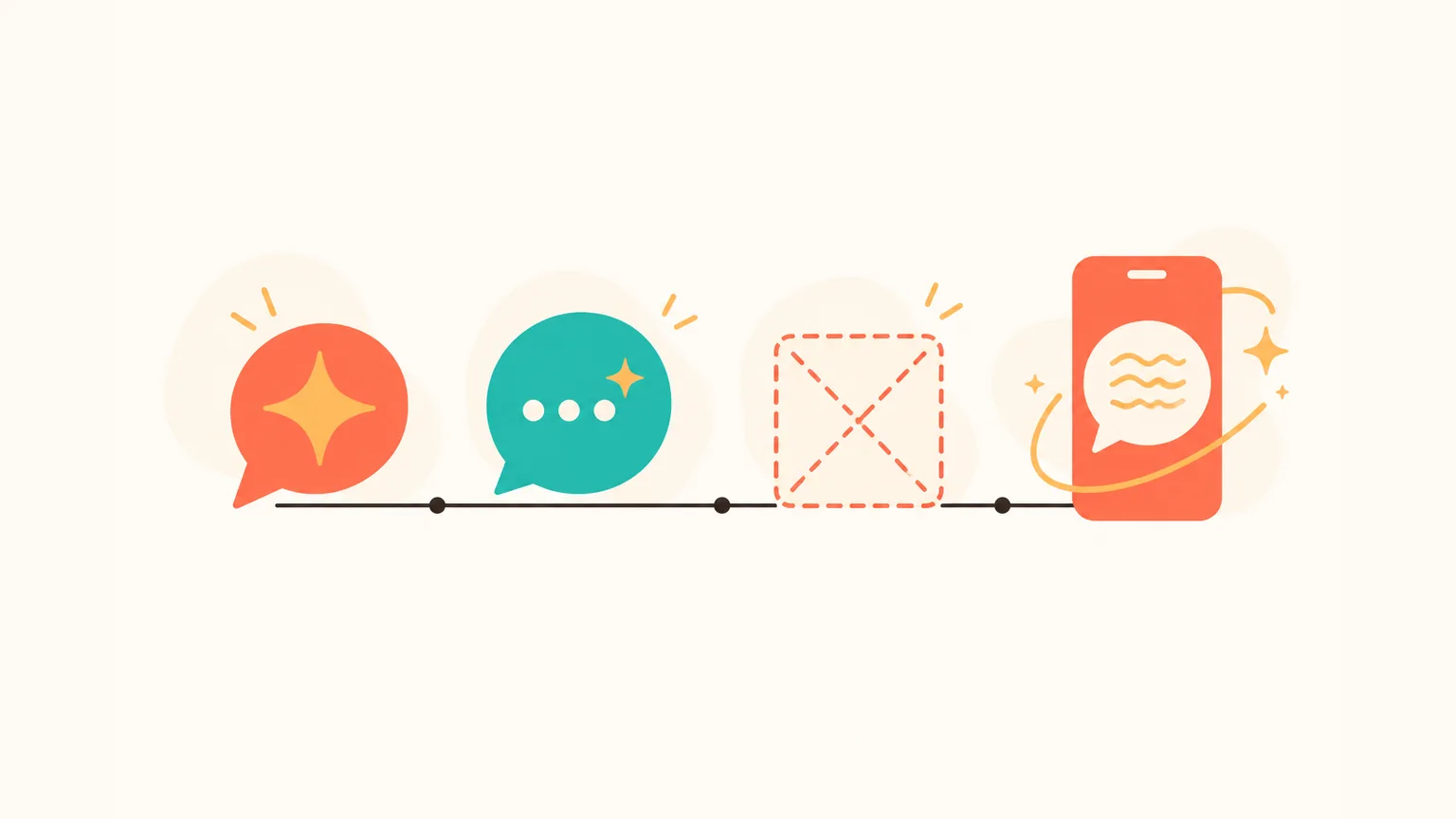
What is a 'Telegram AI app'?
- Telegram's own AI — features built into Telegram itself. Nothing to install.
- AI bots inside the official Telegram — @BotName in your Telegram. Also nothing to install.
- Unofficial Telegram clients with AI on board — iMe, Nicegram, Aigram, TurboTel Pro, Graph Messenger. You install them instead of the official Telegram.
- Separate apps that connect to Telegram the official way — like Aivi. A different app on your phone, works alongside Telegram.
Option 1: Telegram's own AI features
Telegram shipped two waves of AI into the app itself in 2026 — nothing to install, no third party, no new client. Here's what landed and when.
3 January 2026 — AI summaries. Telegram added AI-generated summaries for long channel posts and Instant View pages. Private chats stay out of this. The service runs on the independent Cocoon network, and requests are encrypted on the way there.
7 May 2026 — the AI Bot Revolution. A heavier update, four features worth knowing by name.
- Guest AI Bots. @mention any AI bot inside a private or group chat. The bot sees only the message that tagged it and the replies to it — not the rest of the thread.
- Chat Automation. Settings → Chat Automation. Connect a bot that answers people on your behalf, with options to skip contacts or limit it to new conversations only.
- Custom AI Styles. Inside the AI Text Editor: Style → Create. You save a style, you share a link, your friends apply it.
- Bot-to-bot chats and streamed replies. Bots can talk to each other now; replies stream word by word instead of landing as a block.
Translation of individual messages has been in Telegram for a while, and whole-chat translation ships with Telegram Premium. These are the older AI-like features already inside the app, worth remembering before you install anything else.
For the full tour, see our complete guide to AI inside Telegram. The headline for this section: nothing to install — these live in the Telegram you already use.
Option 2: AI bots inside the official Telegram
A pattern, not an app: @BotName in your chat list. You start a conversation with the bot, it answers like any other chat partner. Still nothing extra to install — the official Telegram handles the whole thing.
Flavours are wide. ChatGPT-style assistants, thread summarisers, image generators, translators, scheduling helpers. Some are free, some gate heavier work behind a subscription. Is Telegram bot free? Usually yes, at least to try — the free tier is the whole business model for most of them.
Trust depends on the author. A bot only sees messages addressed to it, but whatever you send goes to that bot's servers. Stick with bots that have a track record, a working support channel and a privacy page.
There's a longer list in our Telegram AI bot guide. If you specifically want ChatGPT in Telegram, there's a separate guide: ChatGPT in Telegram.
Option 3: Unofficial Telegram clients with AI on board
A different pattern. Apps like iMe, Nicegram, Aigram, TurboTel Pro and Graph Messenger are unofficial Telegram clients — not products of Telegram FZ-LLC. They take Telegram's open-source client, bolt on their own AI features, and ship the result on the App Store, Google Play or outside the stores.
You install one of these instead of the official Telegram. The account is the same — same chats, same contacts — but the client wrapping it is written by somebody else, and the Telegram session token lives in their app.
Two documented 2026 trade-offs worth knowing before you install one of these:
None of these are frauds — they're real apps with real users, and the AI features often work well. They're just not Telegram's own product, and the two concerns above are documented, not rumour. Weigh them before you swap your Telegram for one.
Option 4: Separate apps that connect to Telegram the official way (like Aivi)
A different thing again. Not a client. Not a bot. A separate app you install on your phone that sits next to the official Telegram and helps you with your chats across it.
Aivi is a separate app for iPhone and Android — not a bot in Telegram, and not affiliated with Telegram. It works on top of your Telegram and WhatsApp, both messengers in one list, with one assistant on top. Aivi is one such app, not the only one, and this isn't a leaderboard.
What it does — a short tour of what Aivi helps with inside your Telegram chats:
Translator (both sides)
Reply drafts
Plans → calendar and tasks
Reminders
Notes about people + morning digest
Thread summaries
How it connects. You add Telegram through its official sign-in — the code comes from Telegram itself. With two-step verification on, the password goes from your phone straight to Telegram. Aivi will never ask you to send a code by message, email or phone call.
What stays private. Aivi never asks for your WhatsApp password or SMS code. Your messenger passwords never reach our servers: Telegram sign-in goes from your phone straight to Telegram.
Aivi keeps no archive of your messages — your chats stay on your phone. Aivi only drafts; you stay the one who sends. Unlink anytime: Telegram → Settings → Devices → end the session.
If you want the full category of apps like this, we go deeper in our guide to Telegram AI personal assistants.
Which 'Telegram AI' apps NOT to download
A few patterns to recognise and walk away from. Not the names in Option 3 — those are real apps with disclosed trade-offs — but the louder, dodgier side of the same search.
Mods from APK mirrors and file-sharing sites. Telegram clients re-wrapped by anonymous developers and dropped on random download pages. No store review, no publisher behind the credentials your Telegram session is handed to, no privacy policy worth the name.
Clones with names like 'Telegram AI Pro' or 'Telegram AI Plus'. Store entries borrowing the keyword, often an empty wrapper around a generic chatbot — or, in the worst case, a phishing shell. The name sounds like a Telegram feature. It isn't one.
Lookalike brands — 'ChatGPT Telegram APK', 'OpenAI Telegram'. OpenAI doesn't publish ChatGPT as a Telegram client APK; anyone selling one is somebody else. If the install path is a sideloaded APK with 'Telegram' and 'AI' in the title, close the tab.
Four things worth checking in any Telegram AI assistant app
Whichever assistant you try — ours or someone else's — four checks save you from the worst of this category:
Official sign-in path
No password asked
No server-side chat archive
Unlink anytime
Frequently asked questions
Is there AI built into Telegram?
Yes, since 2026. On 3 January 2026 Telegram added AI summaries for long channel posts and Instant View pages (private chats stay out of this; the service runs on the Cocoon network and requests are encrypted). On 7 May 2026 the 'AI Bot Revolution' update brought Guest AI Bots, Chat Automation, the AI Text Editor with Custom AI Styles, bot-to-bot chats and streamed bot replies. Translation of individual messages has been in Telegram for a while, and whole-chat translation ships with Telegram Premium.
Is it safe to use an unofficial Telegram client that has AI inside?
It's a trade-off, not a yes-or-no. iMe, Nicegram, Aigram, TurboTel Pro, Graph Messenger and similar apps are unofficial Telegram clients — not products of Telegram FZ-LLC. Since April 2026, Telegram shows your contacts a profile warning that your client isn't official, with text that it 'may reduce the security of your conversation with this user' (Meduza, April 2026). Independent 2026 audits also found three popular Android clients — Telega, Graph Messenger and iMe — sending telemetry to third-party servers in Russia via ad/analytics modules (SecurityLab, Habr).
Does Aivi replace Telegram?
No. Aivi is a separate app for iPhone and Android that works alongside Telegram through its official sign-in. You keep using Telegram as before; Aivi helps you across your chats — translating, drafting replies, turning plans into calendar events, summarising long threads.
What's safer: Telegram's built-in AI or an unofficial Telegram client with AI?
Telegram's own AI (AI summaries, Guest AI Bots, Chat Automation, the AI Text Editor) and third-party AI bots inside Telegram both live inside the official client — nothing changes about the app on your phone. Unofficial Telegram clients replace that client with somebody else's build; your contacts see the April 2026 profile warning, and some of these clients have documented third-party analytics traffic. Different risk picture.
How do I unlink Aivi from Telegram?
Telegram → Settings → Devices → end the session. Same place you'd end any other Telegram session, including Telegram Web.
Does Telegram ban users for running an unofficial client?
Telegram doesn't officially ban users for running an unofficial client. But since April 2026, Telegram shows your contacts a profile warning that your client isn't official, and that it may reduce the security of your conversation with them (Meduza, April 2026). Independent audits of some of these clients also flagged third-party analytics traffic (securitylab.ru / habr.com, 2026).
How much does Aivi cost?
Aivi is free to download from the App Store and Google Play. Ongoing use of the assistant needs a subscription: the standard plan is $9.99 a month in the US; prices vary by country.
Aivi is an independent app by ZPOOL FZCO and is not affiliated with, endorsed or sponsored by WhatsApp, Meta or Telegram. WhatsApp and Telegram are trademarks of their respective owners. Product details as of October 28, 2026.