
Telegram AI Reply: Who Replies in 2026 (and Who Just Drafts)
Search telegram ai reply and the top results push one picture: a bot that answers for you, usually in a group or a support queue. That's one shape of it. There are more. "AI reply in Telegram" means different things in 2026 — a bot answering in its own chat, a bot replying on your behalf, Telegram's own editor that rewrites your text, your phone's keyboard, or an assistant on top of your chats that drafts for you. Here's who does what, and where Aivi fits.
Does Telegram have AI responses?
- Yes, in several shapes. Telegram's AI Text Editor rewrites a draft you've typed (Custom AI Styles since May 2026).
- AI chat bots reply in their own chat, or in yours via @mention (Guest AI Bots).
- Chat Automation (also May 2026) lets a bot reply for you in the chats you allow.
- Your phone's keyboard may show short reply suggestions on both iPhone and Android.
- Aivi doesn't reply — it drafts a reply in your tone, translates it, and you tap send.
What people mean by AI reply in Telegram
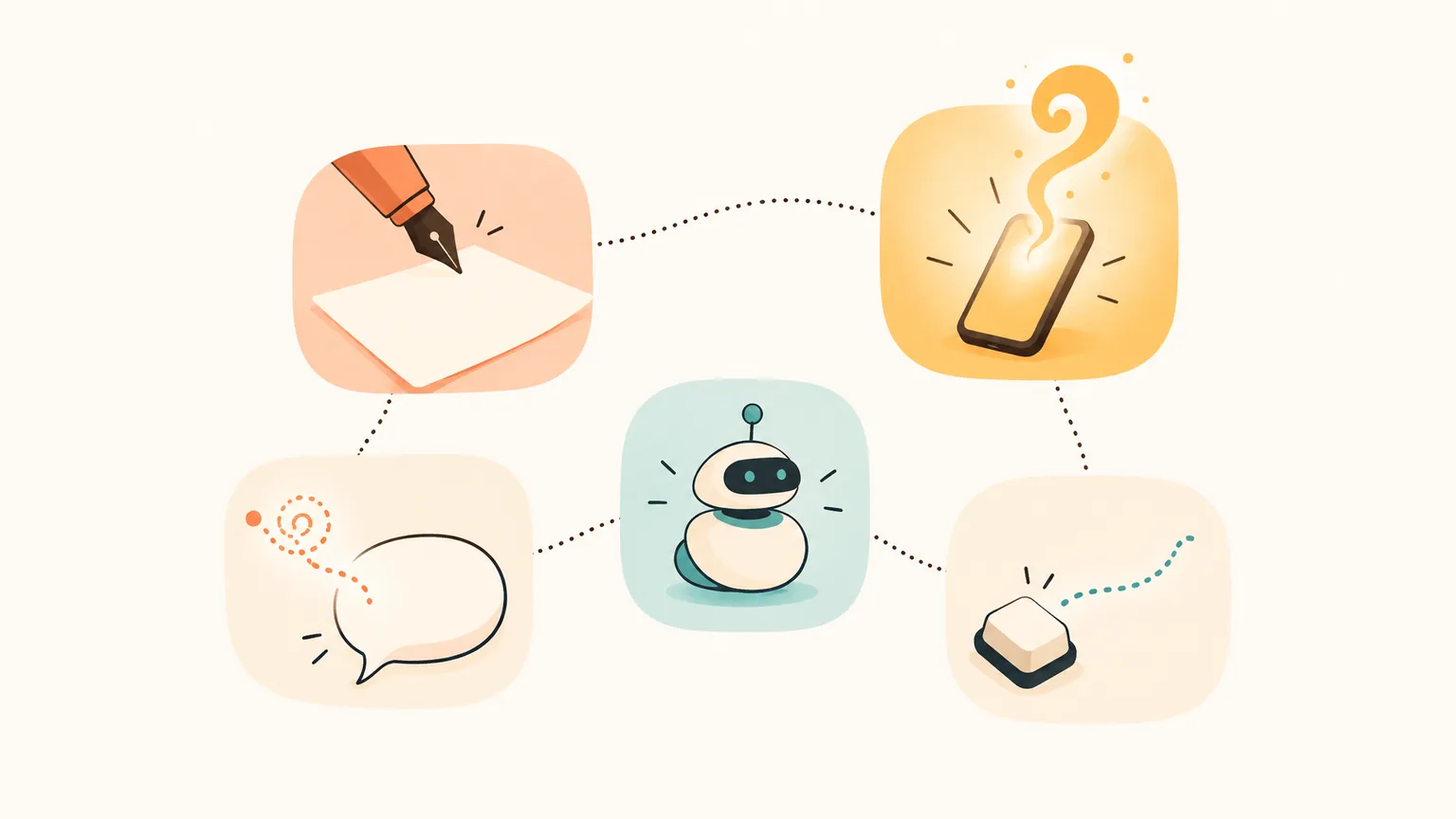
Five different tools wear the same label. Who is actually talking to the person on the other side changes with each one — and that's the part that matters.
- Telegram's AI Text Editor — Telegram's built-in editor rewrites the draft you typed. Since 7 May 2026, Custom AI Styles let you save your own rewrite style and share it with a link.
- AI chat bots — a separate @bot contact you message for an answer. Since May 2026, you can also @mention an AI bot in your personal or group chat (Guest AI Bots) and get a reply right there.
- Chat Automation — in Settings → Chat Automation (added May 2026), you connect a bot that answers people on your behalf in the chats you allow.
- Phone keyboard smart reply — short, one-line reply suggestions from the keyboard on iPhone and Android. Not a Telegram feature; a phone feature.
- An assistant app on top of your chats (Aivi) — a separate phone app, not a bot. By request, it drafts a reply in your tone, in the chat's language. You tap send.
First three are inside Telegram. The fourth is your phone. The fifth is a separate app that sits beside Telegram on your home screen.
What Telegram itself offers today
Telegram shipped its own AI in two waves. One in January, one in May. Here's the short map.
AI Text Editor + Custom AI Styles
On 7 May 2026, Telegram's AI Text Editor got Custom AI Styles — save your own rewrite style, then share it with a link. You type a draft; the editor rewrites it in the style you picked. It only touches text you've already written.
Guest AI Bots
Since May 2026, you can @mention an AI bot by its handle in any personal or group chat, even if it isn't a member. The bot replies there and only sees the message that tagged it and the replies to it — not the rest of the chat or the other participants.
Chat Automation
In Settings → Chat Automation (added May 2026), any user can connect a bot that answers people on their behalf. You pick which chats the bot can touch — exclude contacts, only new conversations, whichever rules suit you. Previously this shape lived in Telegram Business.
AI Summaries
The earlier wave, on 3 January 2026: AI Summaries for long channel posts and Instant View pages — not for your private chats. Requests run on the Cocoon network, encrypted on the way.
Chat-bots and the bot that replies for you
"AI reply" and "AI chat bot" get mixed up a lot. They cover three different jobs. One answers in its own thread. One jumps into yours when tagged. One speaks in your voice.
Chat-bots in their own thread
Classic telegram ai reply bot: a contact whose handle starts with @, you tap /start, and you have your own AI thread. The bot replies in that thread — it doesn't touch your other chats, and it doesn't rewrite your drafts.
If you want a shortlist to try, see our Telegram bot guide.
Guest AI Bots
Same bots, lighter form. You @mention an AI bot inside your personal or group chat, even if it isn't a member, and it answers there. It only sees the message that tagged it, plus the replies to it. Everyone in that chat sees the bot's reply.
Chat Automation (the one that actually replies for you)
This is the shape most people picture when they search "AI that replies for me on Telegram." In Settings → Chat Automation, you hand a bot the keys to a set of chats, and it answers people in your name. After-hours triage, FAQ, lead qualification, a support queue that never sleeps — real uses.
Chat Automation lets a bot reply for you — it isn't Aivi. Aivi only drafts; you stay the one who sends.
AI editors and your phone's keyboard
Two tools that look like "AI reply" but work on something you've already typed, or something your phone proposes to you — not on an incoming message.
Telegram AI message editor
A telegram ai writer that lives inside the compose field. Type a draft, pick a style, Telegram rewrites it. Since 7 May 2026 you can save your own style (Style → Create) and share it with a link.
Telegram's AI Text Editor rewrites a draft you've already written. Aivi starts earlier — it reads the incoming message, offers a reply draft in your tone, translates it into the chat's language. You then edit and send.
Phone keyboard smart reply
Separately, your phone's keyboard may show short reply suggestions (iPhone and Android both do this), but those are the phone's keyboard, not Telegram's. Handy for a one-tap "Thanks" or "On my way." Not an assistant that understands the thread.
How Aivi helps with Telegram replies
Aivi isn't a bot in Telegram
Aivi isn't a bot in Telegram and doesn't live inside it. It doesn't reply to anyone. It helps you across your Telegram chats: translates both sides, drafts a reply in your tone when you ask, notices plans and deadlines in the thread, and reminds you — on your side, not on theirs.
Translates both sides
Incoming messages in your language. You write in yours; Aivi sends it in theirs.
Reply drafts
Ask Aivi to draft a reply. Edit it, cut what feels off, send it yourself. Aivi never sends anything without you.
WhatsApp and Telegram together
Aivi handles your Telegram and WhatsApp chats in one list, with one assistant on top.
No archive of your messages
Your chats stay on your phone. Your passwords never reach our servers.
Two short demos. First — a German voice note from a client. Second — a Russian group chat about an airport run.
The longer tour of the same angle: the five kinds of AI assistants in Telegram.
Online "AI reply" services
A separate class of tools is online "Telegram AI reply" builders — hosted services that connect a bot to your Telegram account to answer in groups or support flows. They are a shape of Chat Automation, not of reply drafts.
If you want a bot that replies in your name across many chats at once, that's the aisle. If you want a draft that still sounds like you — and that you send yourself — that's a different aisle.
Side by side: who replies, in each shape
Five columns, five rows. Skim the row that matters most to you.
| AI Text Editor | Guest AI Bots | Chat Automation | Aivi | |
|---|---|---|---|---|
| Who replies to people | Nobody — rewrites your text | The bot, in that thread | The bot, as you | You — Aivi drafts |
| Where it lives | Inside Telegram | Any chat, by @mention | Chats you allow | Separate app on your phone |
| Translates both sides | No | No | No | Yes, per chat |
| WhatsApp too | No | No | No | Yes, one list |
| You stay the sender | Yes | You, in your own replies | No | Always |
Short version: bot replies for you → Chat Automation. Keep writing yourself with less friction → the Aivi column.
Privacy, in five lines
Aivi works on top of your Telegram chats on your phone. It only drafts replies — a message goes out only when you send it.
Frequently asked questions
Does Telegram have AI responses?
Yes, in several shapes. Telegram's AI Text Editor rewrites a draft you've written (Custom AI Styles since May 2026). Guest AI Bots reply in your chat when you @mention them. Chat Automation lets a bot reply for you in the chats you allow. Separately, your phone's keyboard may show short reply suggestions. Aivi doesn't reply — it drafts a reply in your tone, and you tap send.
Can an AI reply for me in Telegram?
Yes — through Chat Automation (added May 2026, in Settings → Chat Automation): you connect a bot that answers people on your behalf in the chats you allow. That shape isn't Aivi. Chat Automation lets a bot reply for you — it isn't Aivi. Aivi only drafts; you stay the one who sends.
Is there a Telegram AI message editor?
Yes — Telegram's AI Text Editor. On 7 May 2026 it got Custom AI Styles — save your own rewrite style, then share it with a link. Telegram's AI Text Editor rewrites a draft you've already written. Aivi starts earlier — it reads the incoming message, offers a reply draft in your tone, translates it into the chat's language. You then edit and send.
Does Aivi reply to people for me?
No. Aivi never sends anything without you. It only drafts a reply; a message goes out only when you send it.
How much does Aivi cost?
Aivi is free to download from the App Store and Google Play. There's a paid subscription for heavy use — the standard plan is $9.99 a month in the US; prices vary by country.
Will Aivi send messages without me?
No. Aivi never sends anything without you. Unlink anytime in Telegram → Devices.
Does Aivi need my Telegram password?
No. Telegram connects through its official sign-in — the code comes from Telegram itself. Your passwords never reach our servers.
Does Aivi work in group chats?
Yes, quietly. Aivi understands who said what in a group thread; the group sees nothing from Aivi, nothing is posted automatically.
Aivi is an independent app by ZPOOL FZCO and is not affiliated with, endorsed or sponsored by WhatsApp, Meta or Telegram. WhatsApp and Telegram are trademarks of their respective owners. Product details as of October 28, 2026.